


Downloading items from folders and collections is a quick way to package multiple pieces of content into a single zip file, making it easier to save, share, or work with content in bulk. In this article, you’ll learn how this download experience works for Mediafly users, as well as what customers can expect when downloading items from a shared Collection.
Notes:
- Downloading a folder or collection will only download the child items in that specific folder or collection.
- Hidden Slides will not be eligible for downloading.
- If a user does not have permission to download all of the child items, they will see a dialogue outlining what will and won't be downloaded. If a user does not have permission to download any of the child items, the download option will not be available.
- Download items in a folder or Collection for Mediafly users
- Download items in a shared Collection for customer/buyers
Download items in a folder or Collection for Mediafly users
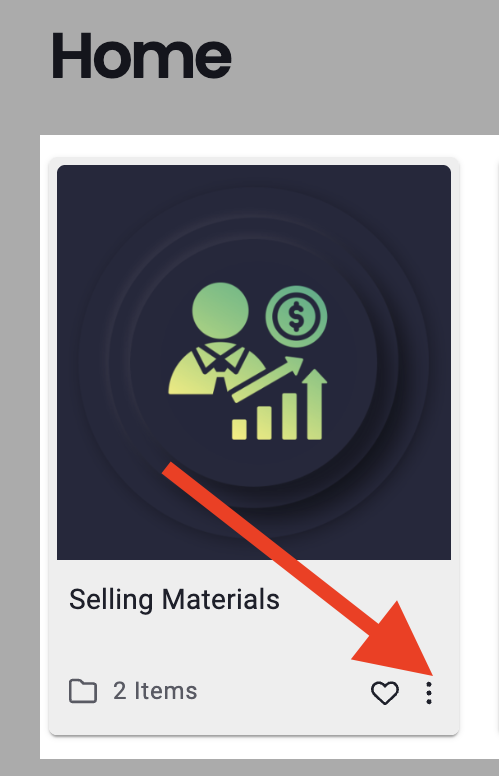
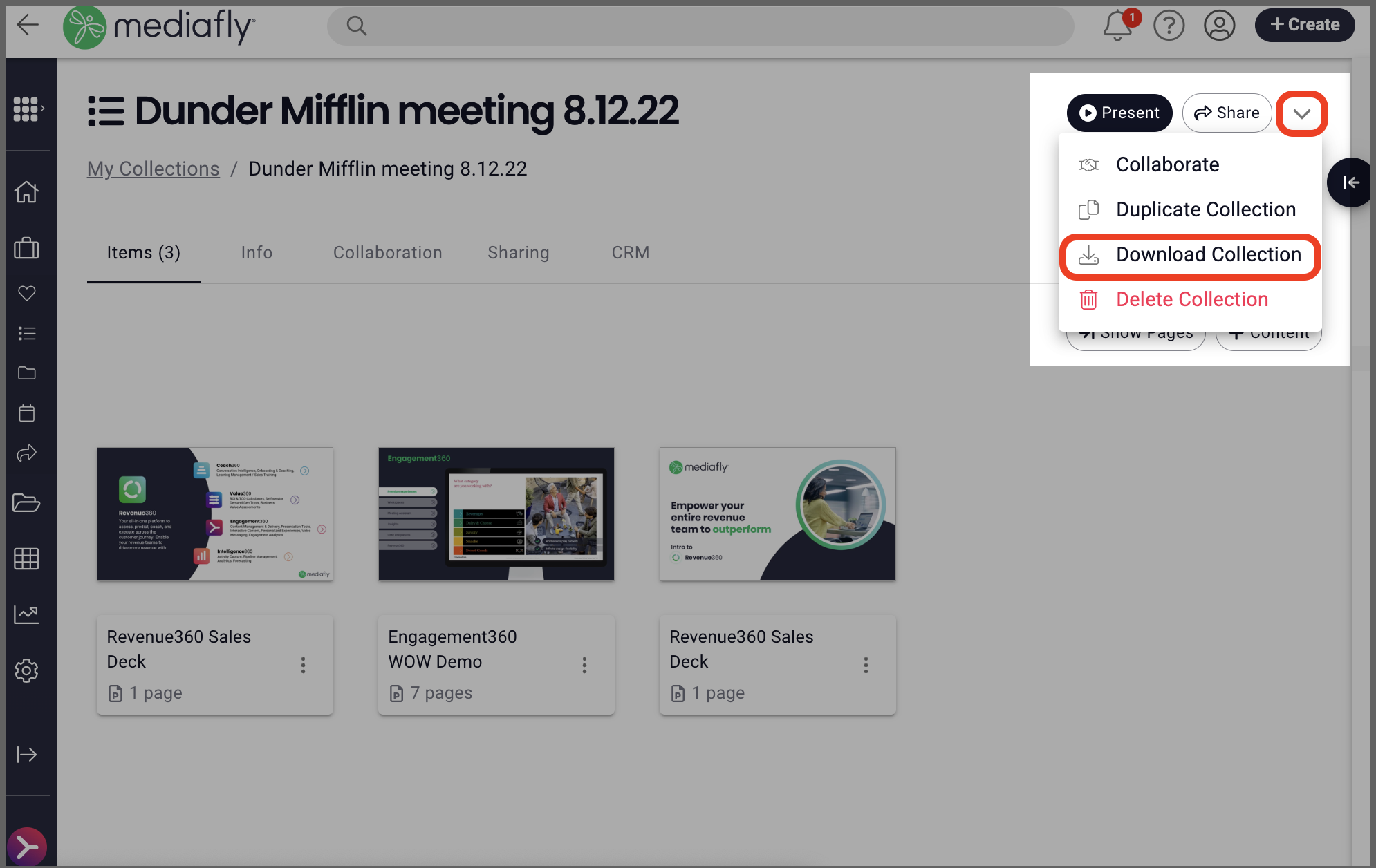
- Click the three dot menu on or from an open folder OR the down arrow in a Collection and select Download (folders) or Download Collection (Collections).
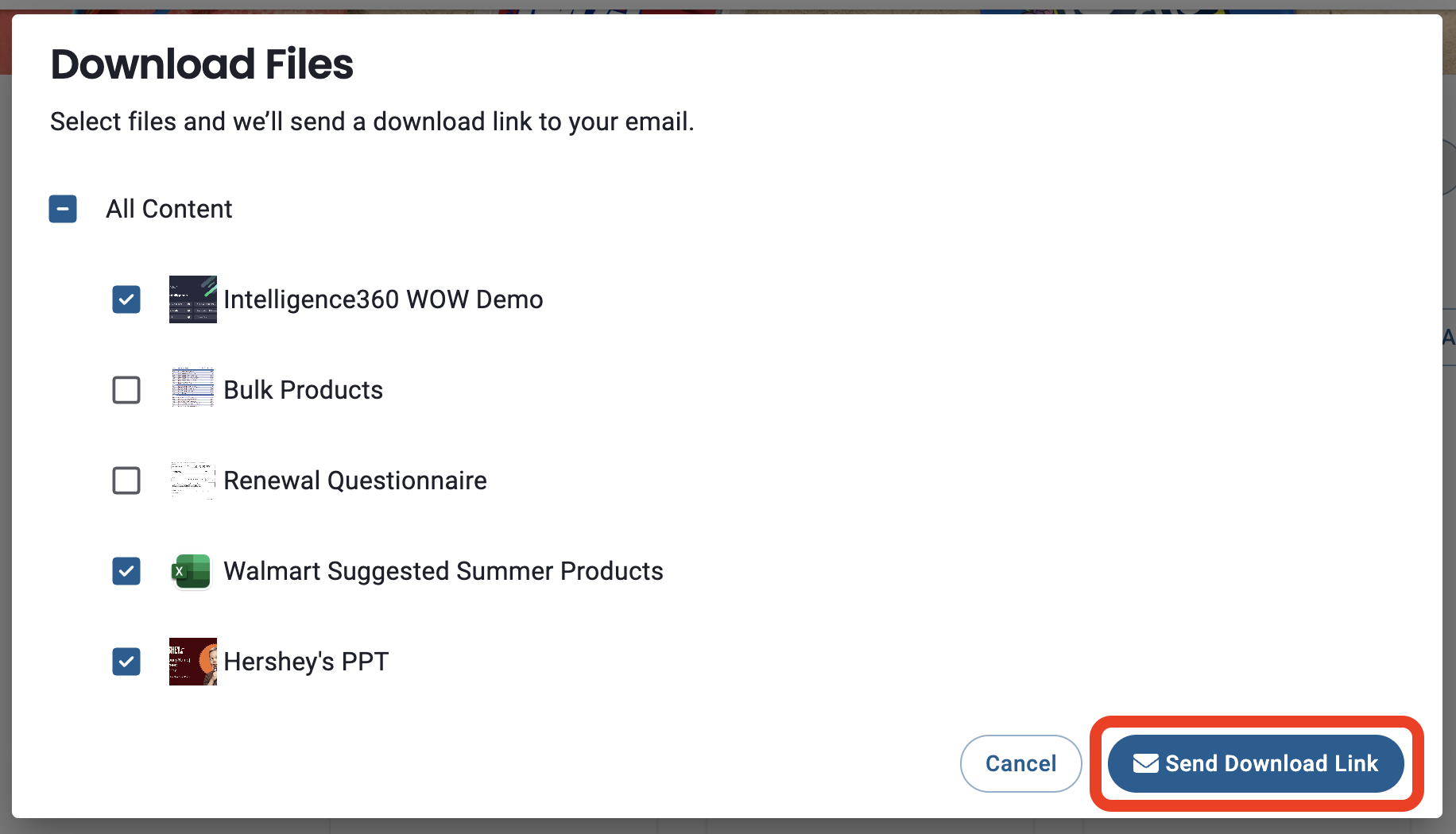
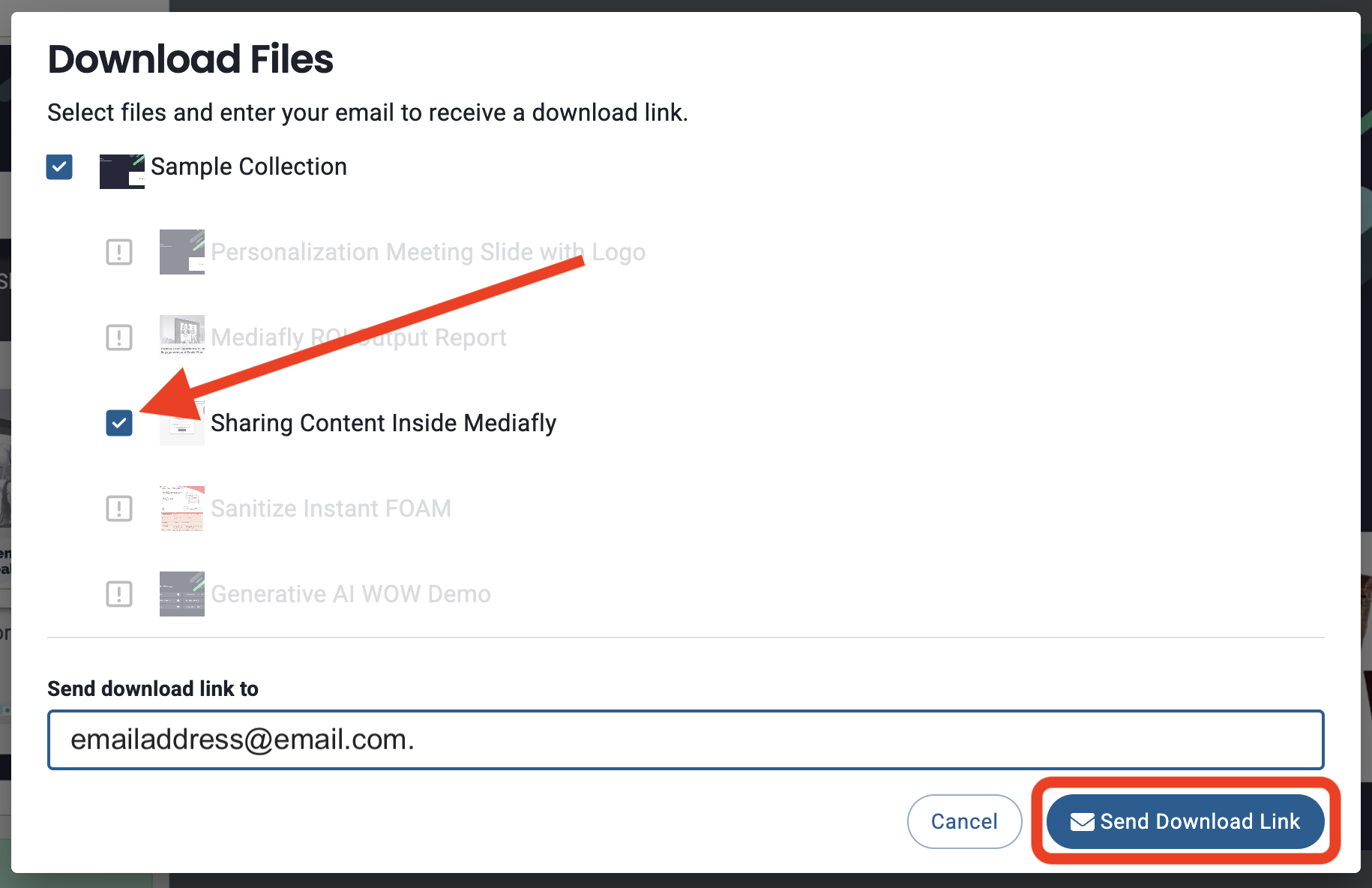
- The download window will allow you to select/deselect items you want to include (or not) in the download. Once you're ready, click Send Download Link.
-
You will see a pop-up notification that you will receive an email with a download URL, click the URL in the email to download the zip file.

Download items in a shared Collection for customer/buyers
When you share a Collection with a customer, they can bulk download all items or select which items to download.
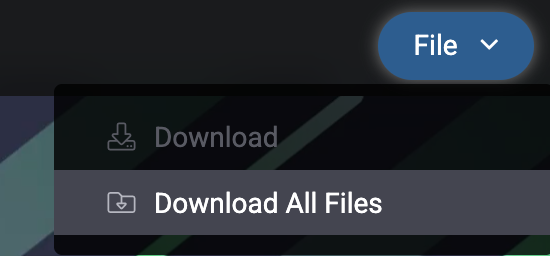
- Open the Collection and click File > Download All Files
- The download window will allow them to select/deselect items they want to include (or not) in the download. They can enter an email or the system will use the email address entered in the lead capture to which the link will be sent. Then, click Send Download Link.
- They will see a pop-up notification that they will receive an email with a download URL, where they can click the URL in the email to download the zip file.

Replies have been locked on this page!