


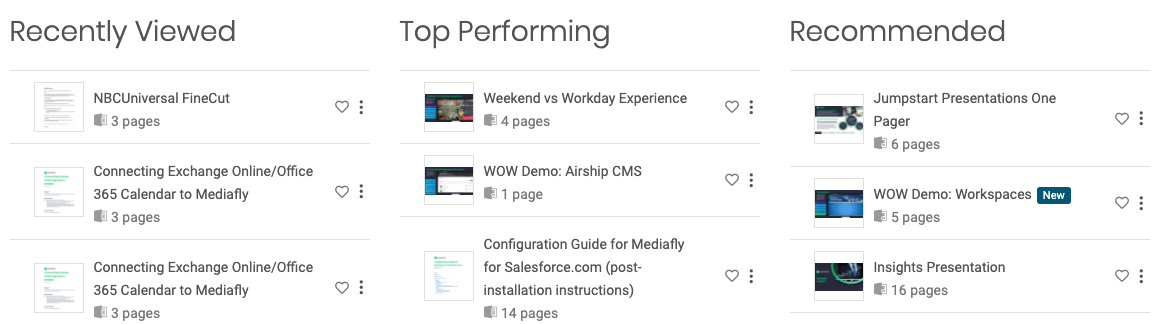
Search Results in Workspaces allow users to create dynamic sets of content by adding a query that defines the files that should be included in the results. Use Search Results to create dynamic folders including: Recently viewed content, Recommended content, Top performing content , Files based on a specific search term, and more!
Keys to success
- When new content is uploaded that matches the parameters of the Search Results query, it will automatically populate
- Search Results are not visible on shared or public workspace since they are dependent on information related to a user with a login
Popular Queries
- Recently viewed: _viewed EQUALS "true"
- Top performing: type EQUALS "file" ORDER BY saleesscore DESC
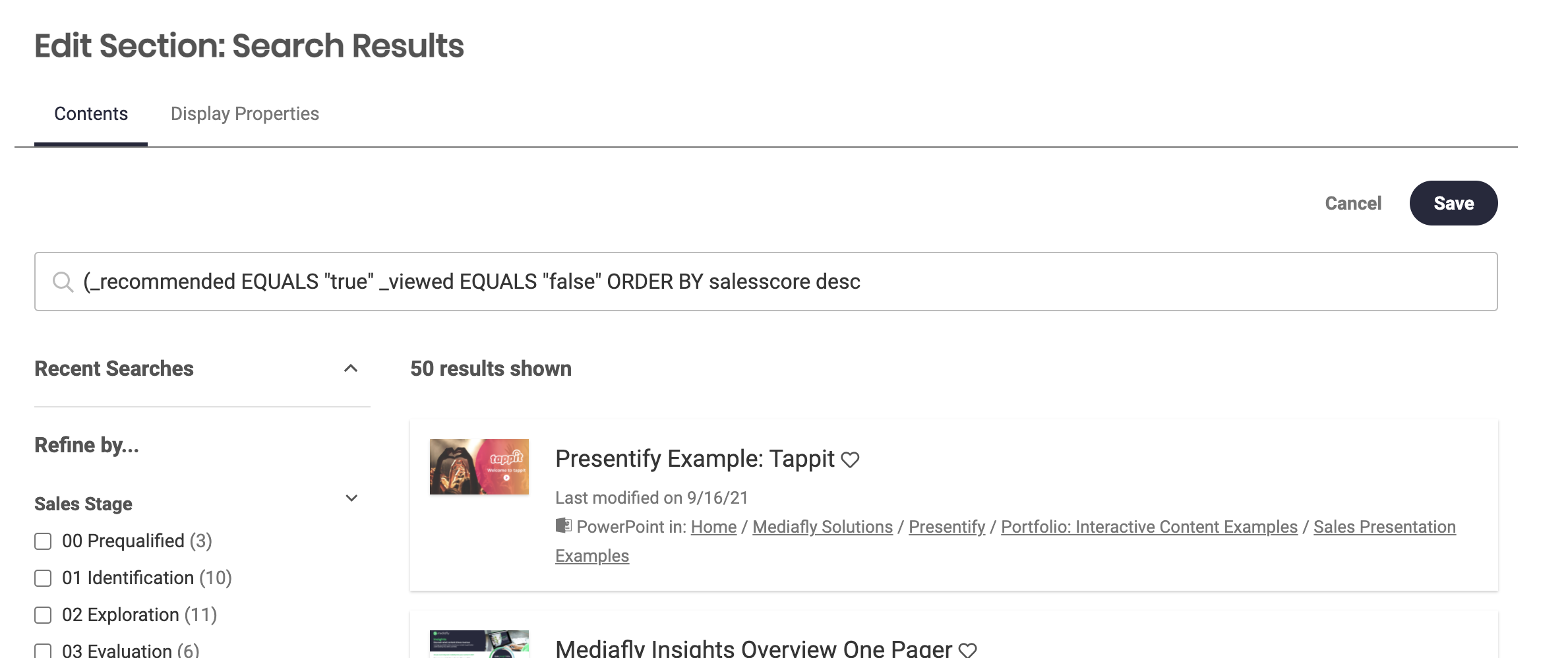
- Recommended:_recommended EQUALS "true" AND _viewed EQUALS "false" ORDER BY salesscore DESC
- New content: (itemType EQUALS "file" OR itemType EQUALS "url") AND (_viewed EQUALS "false") AND (_new EQUALS “true”) ORDER BY created DESC
Adding a Search Results to a Workspace
1. Log in to Mediafly
2. Open the sidebar menu
3. Click to open Workspaces menu then open the desired Workspace or create a new
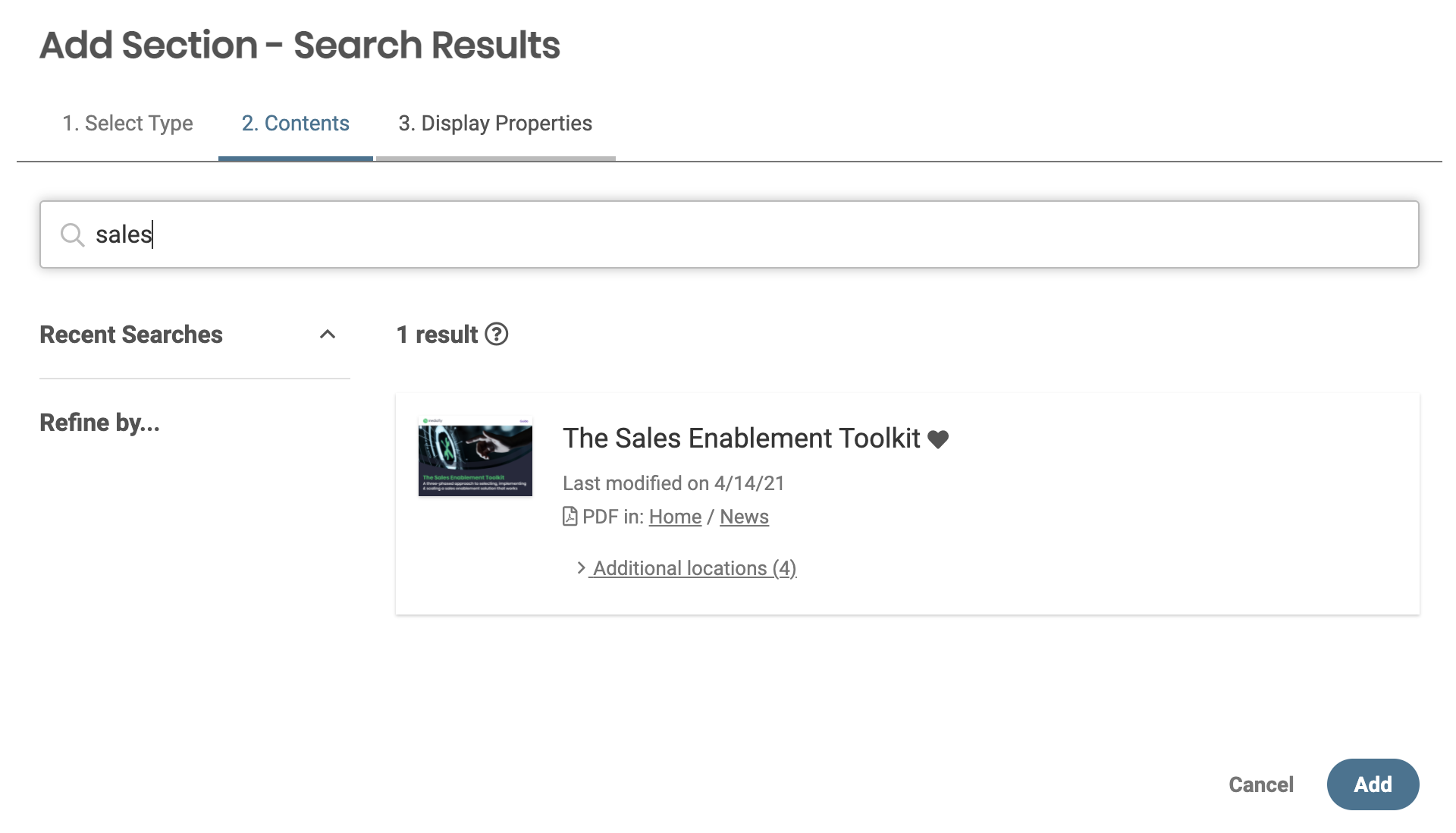
4. Add a new Search Results section
5. Enter desired search term or query
6. Update display properties
7. Click Add
Replies have been locked on this page!