


As an Author or Admin, you will have access to manage settings for either the current Template or all the Templates in your domain. When you first navigate to Administration, you will have a few options:
General Settings
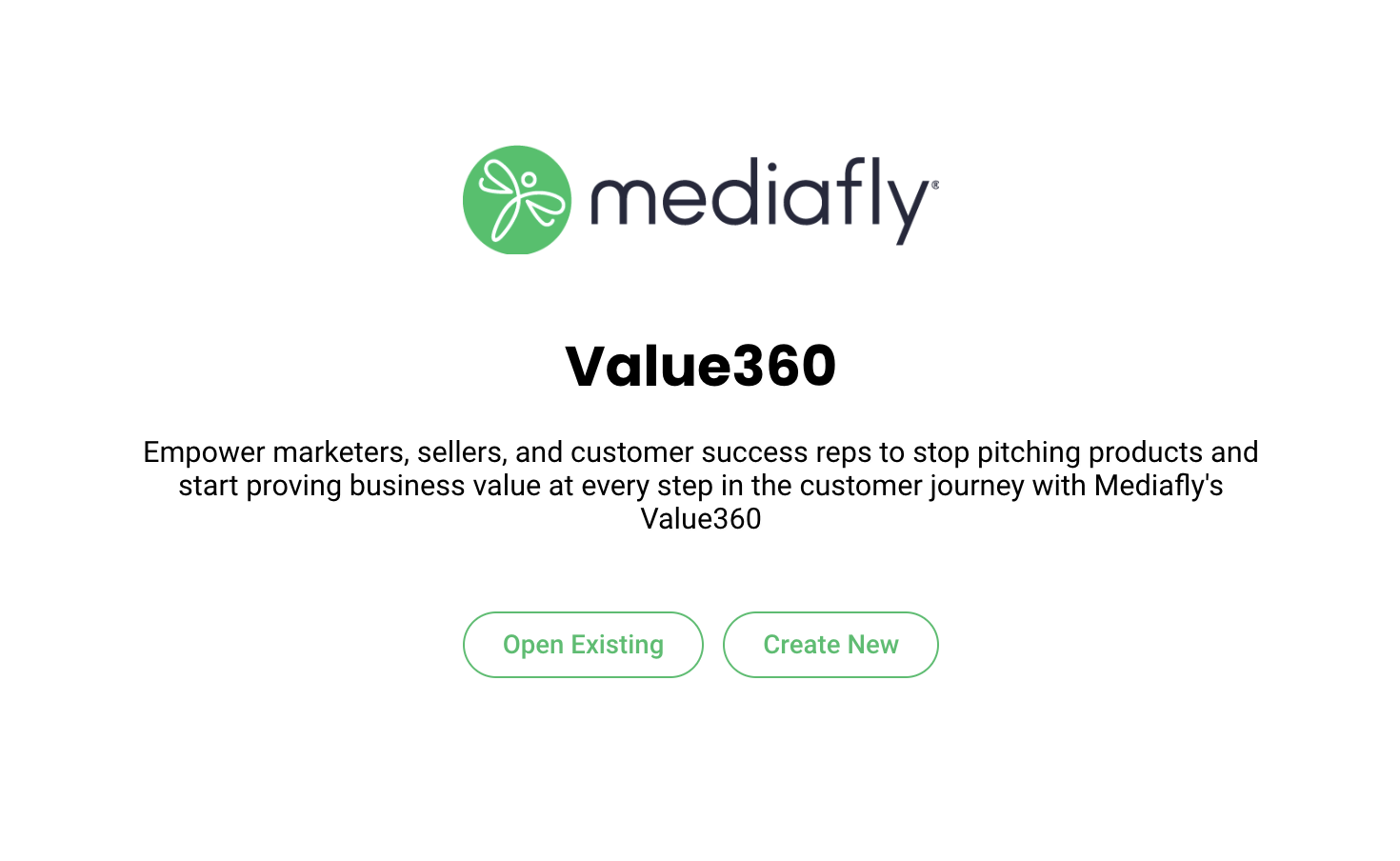
Domain Name/Description - controls what shows up on the landing page after entering the platform
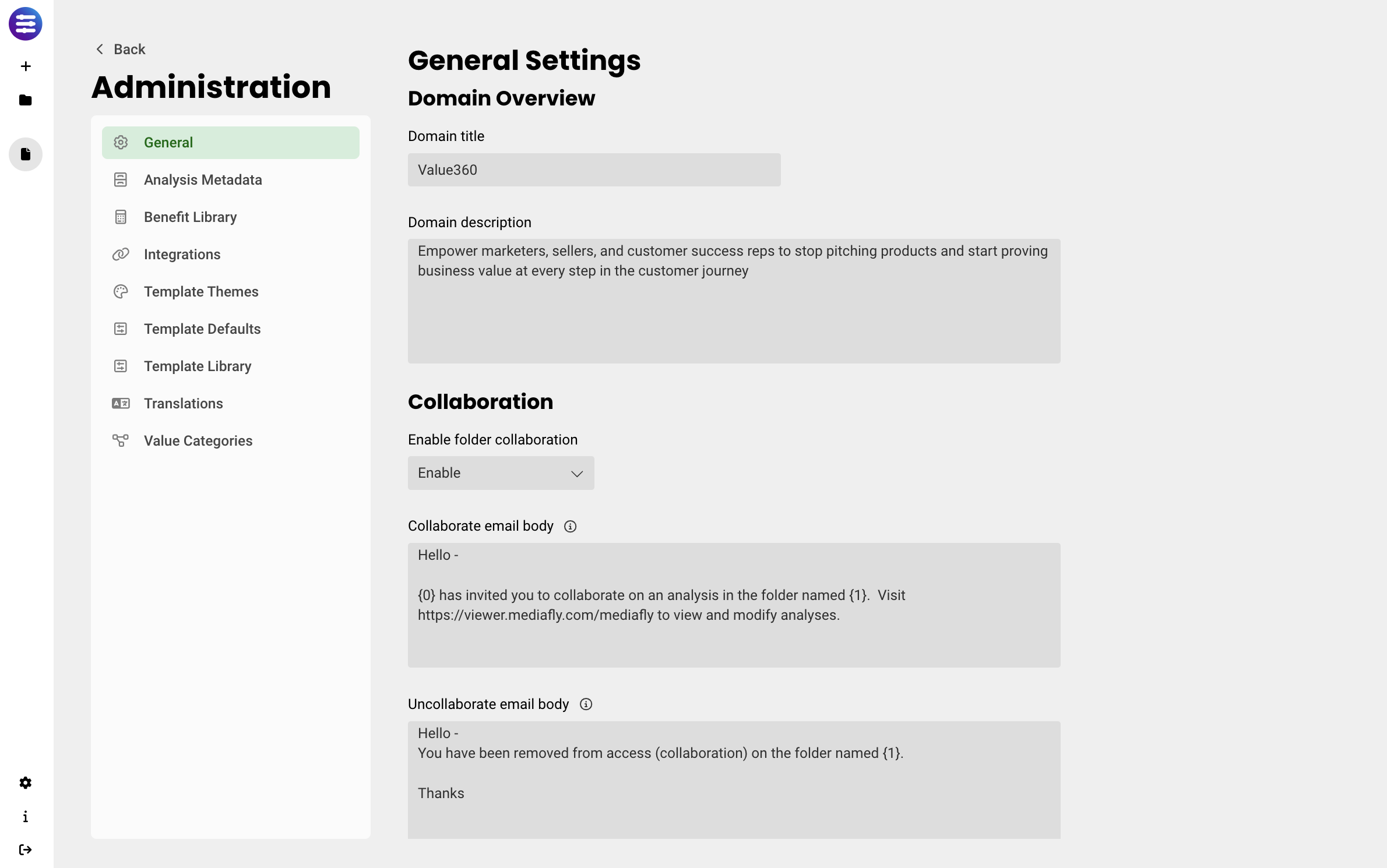
Collaboration - controls whether or not Analyses generated off the Template can be collaborated with internal stakeholders, and what the email subject and body will contain. See "Sharing and Collaboration" for more details.
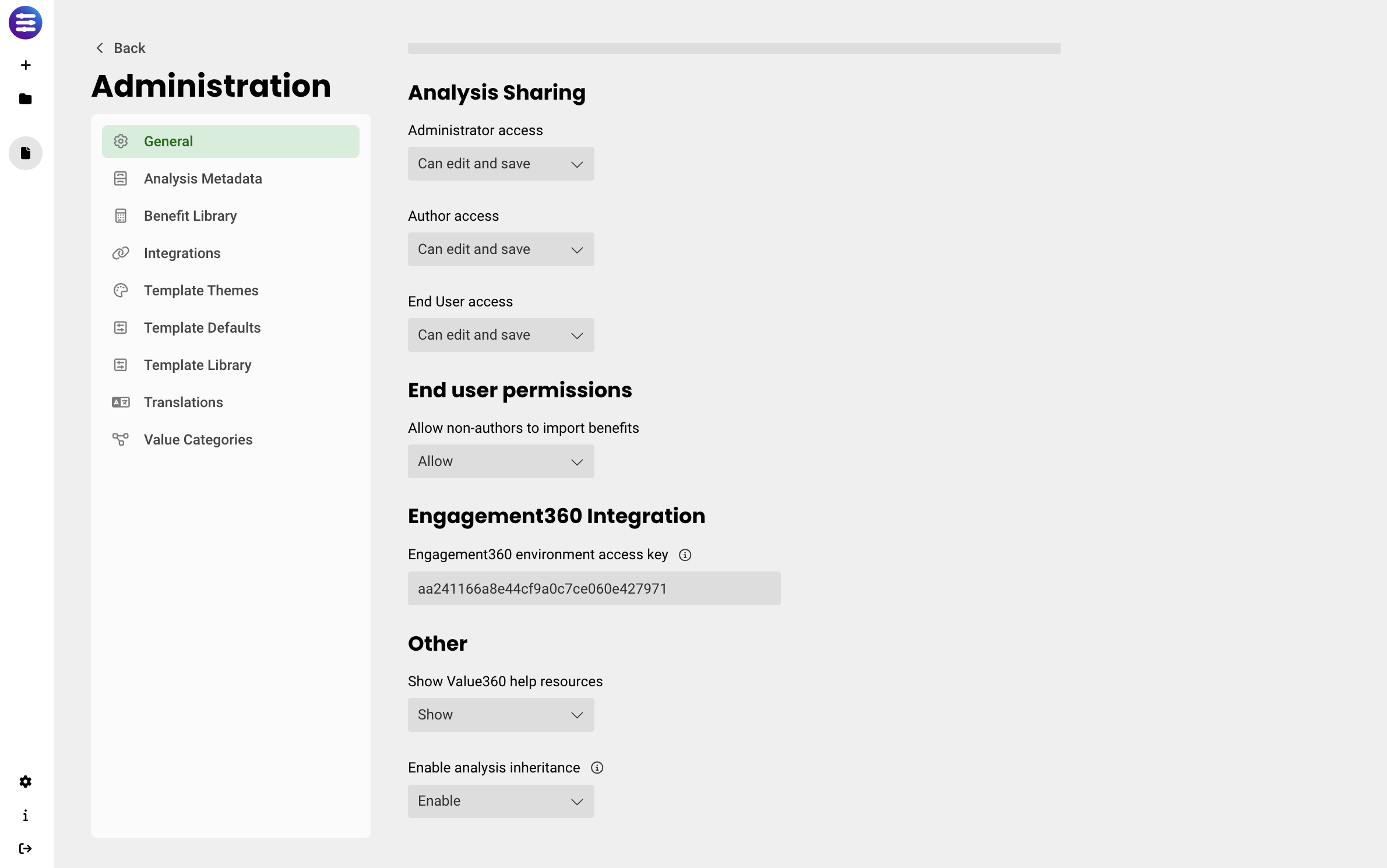
Analysis Sharing - sets the share link permissions for each type of user
End user permissions - controls whether or not non-authors can import benefits from the Benefit Library
Engagement Integration - used to enter the key provided by your Mediafly account team in order to embed content.
Other allows you to expose the help center docs, and enable analysis inheritance for the domain.
Analysis Metadata
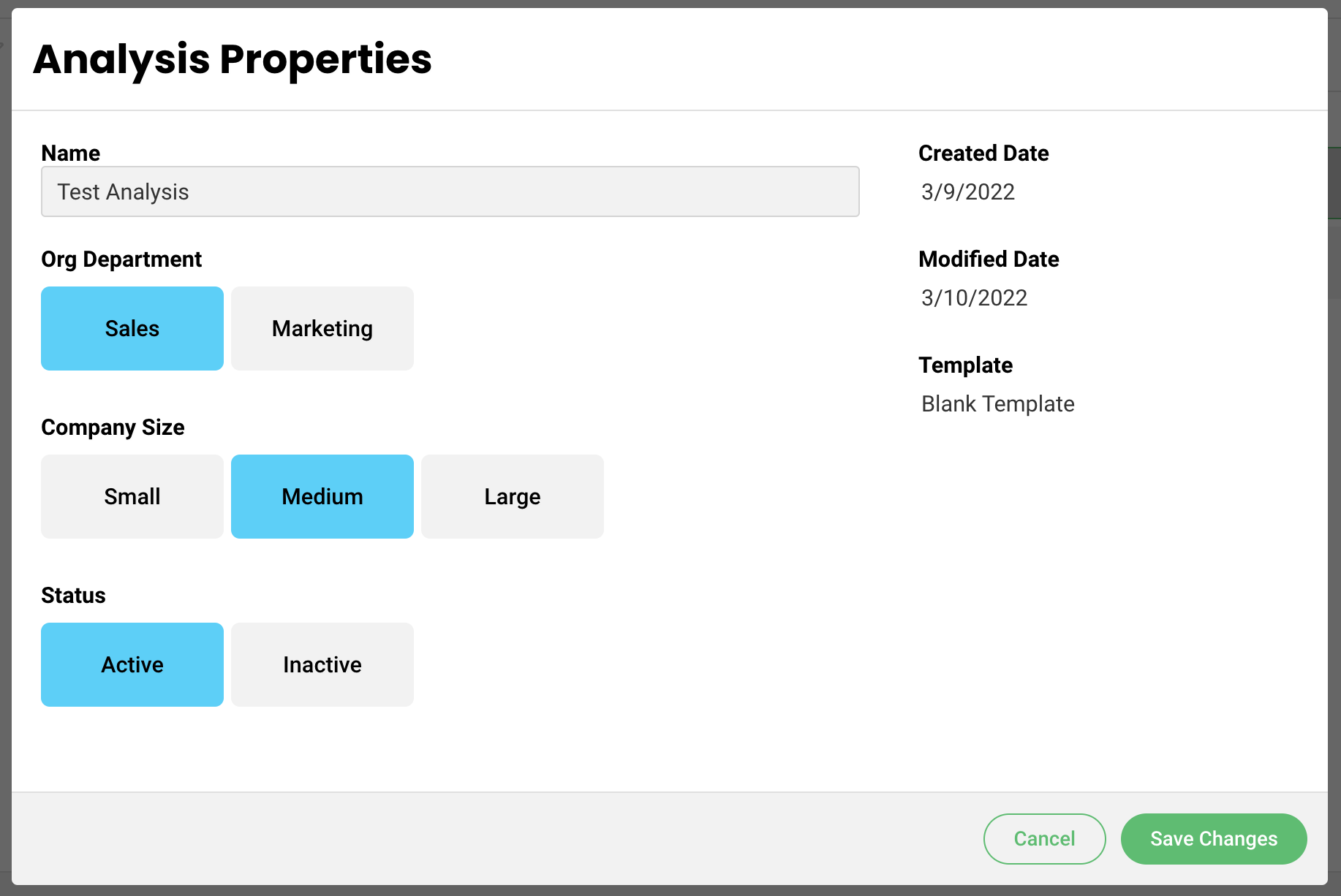
Authors can create properties (metadata fields) that are used within the Analysis Manager in Value by users. These properties can be marked as editable or not editable by the user, and contain a list of properties that can be defined by the author.
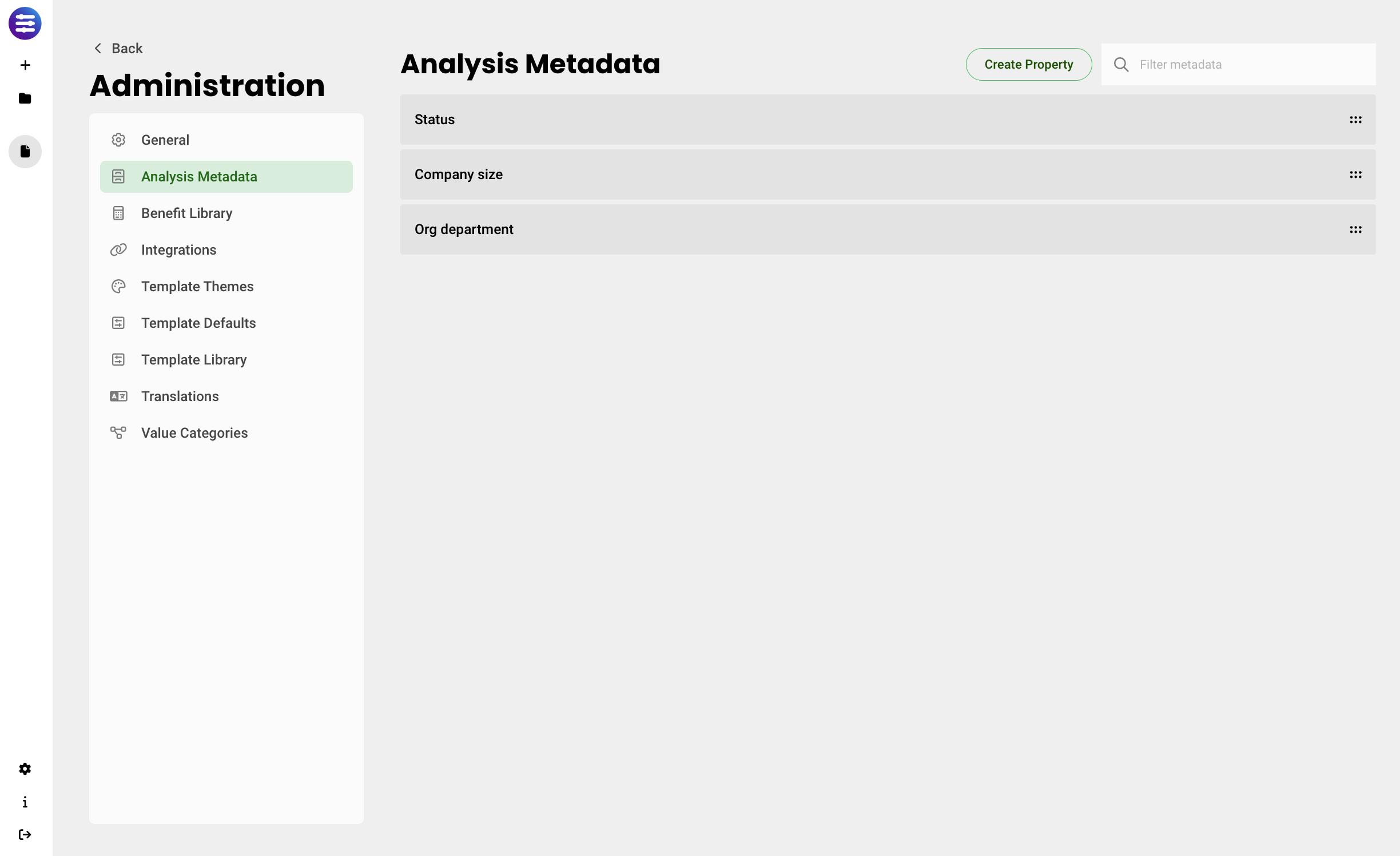
Here's how it works:
Click Create a Property
Give the property a Label, and name the fields associated. The "Value" column should be filled out numerically in order (this is used on the backend to assign the metadata).
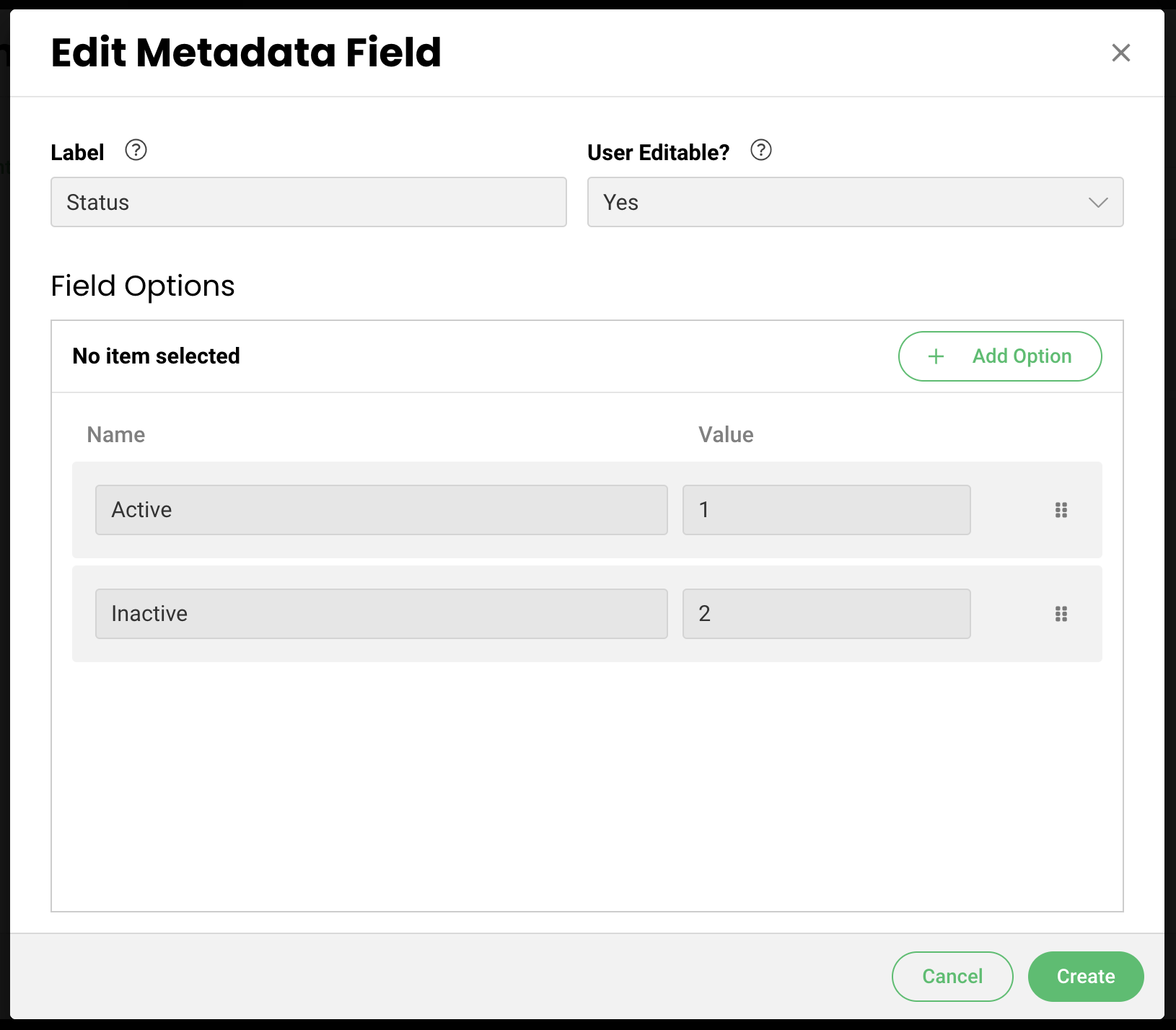
These fields can then be added to Analyses similar to tags, and filtered sing a Smart Folder.
Benefit Library
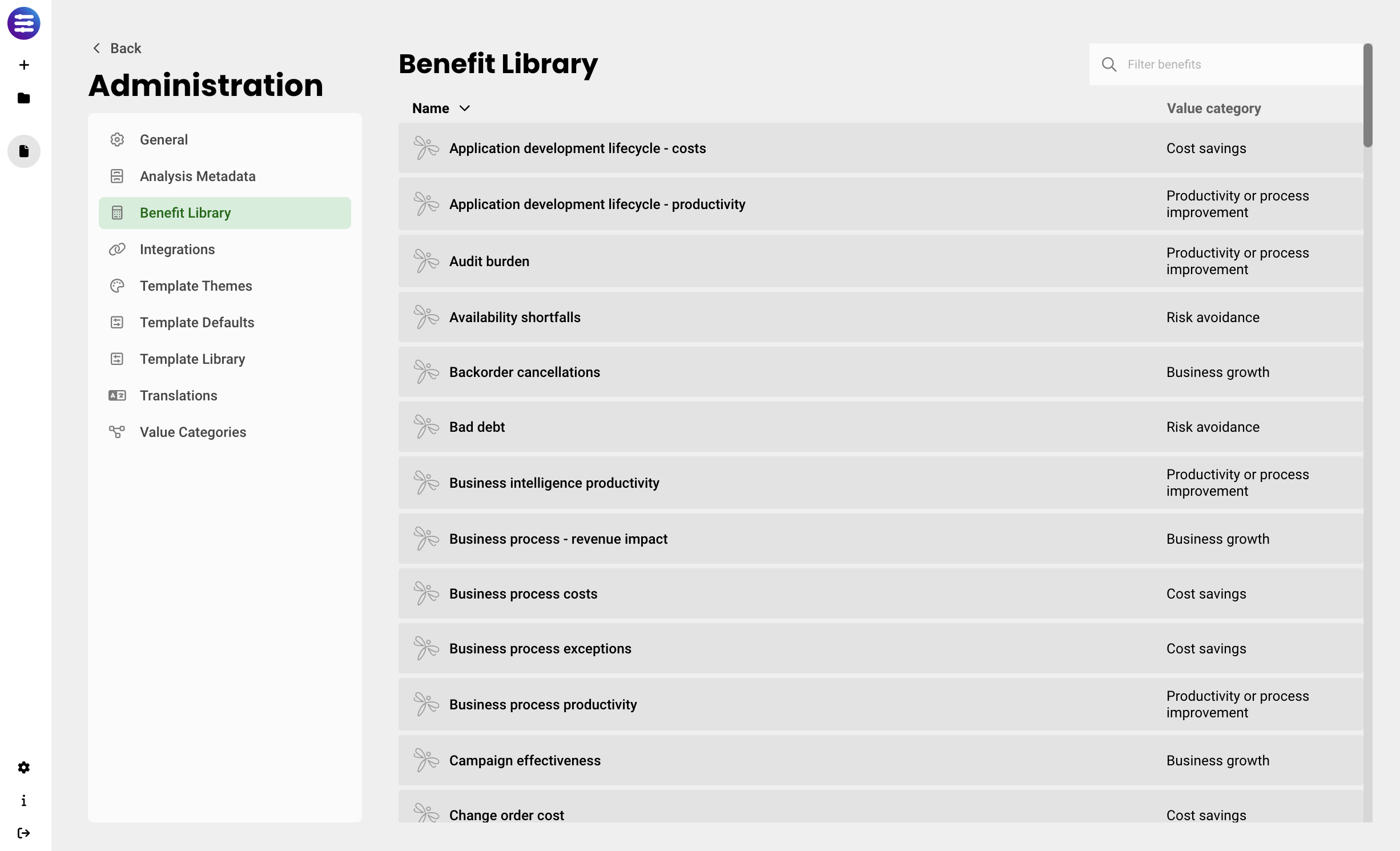
The Benefit Library section give an Admin access to manage and configure all Benefits in the domain. This ensures that only those with sufficient permissions can delete them from the Benefit Library, which is available to all end users and authors.
Integrations
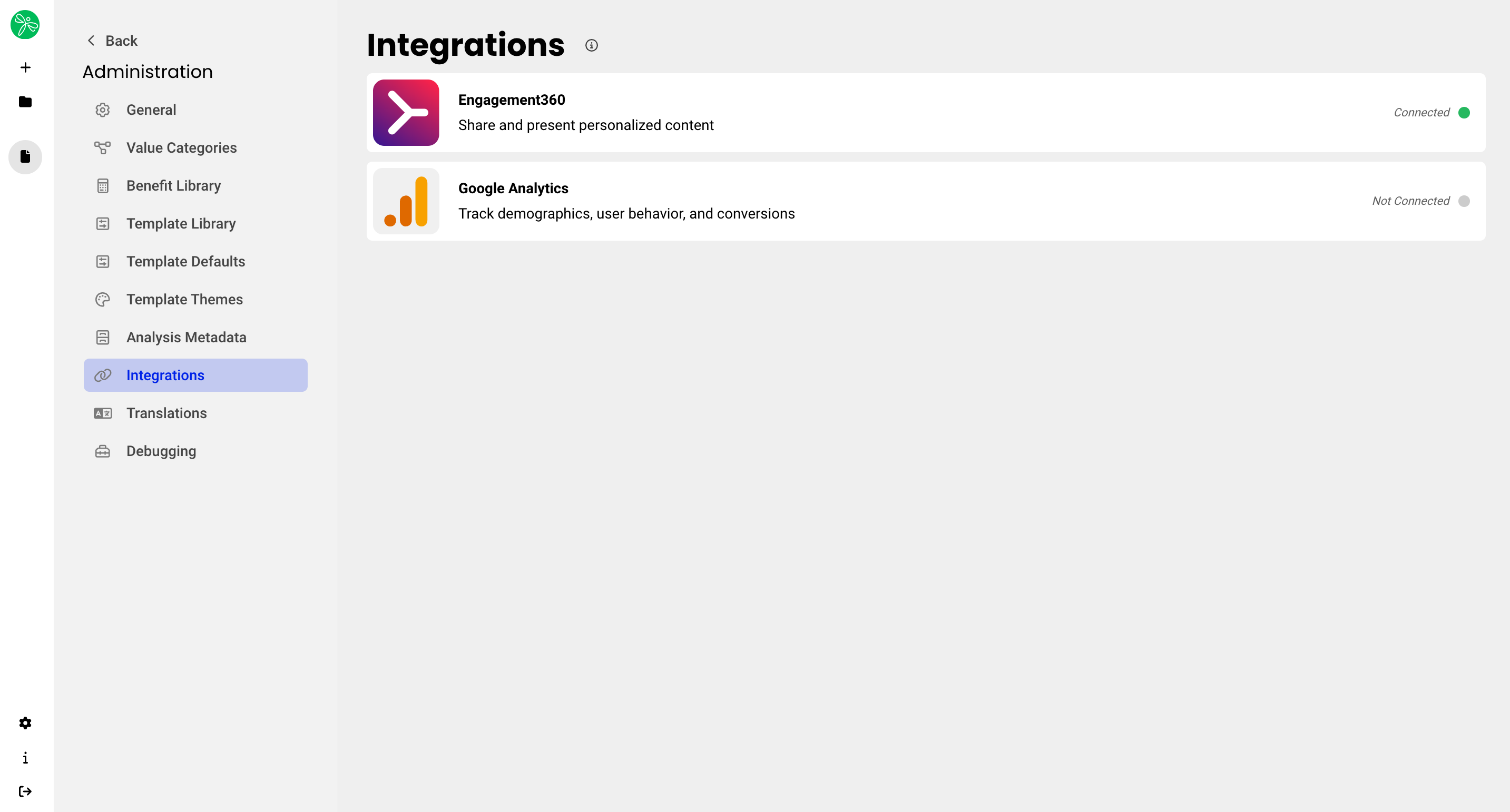
This section allows you to integrate with various third party supported systems. Currently, we support Google Analytics, OneTrust and Engagement, but more to come!
Template Themes
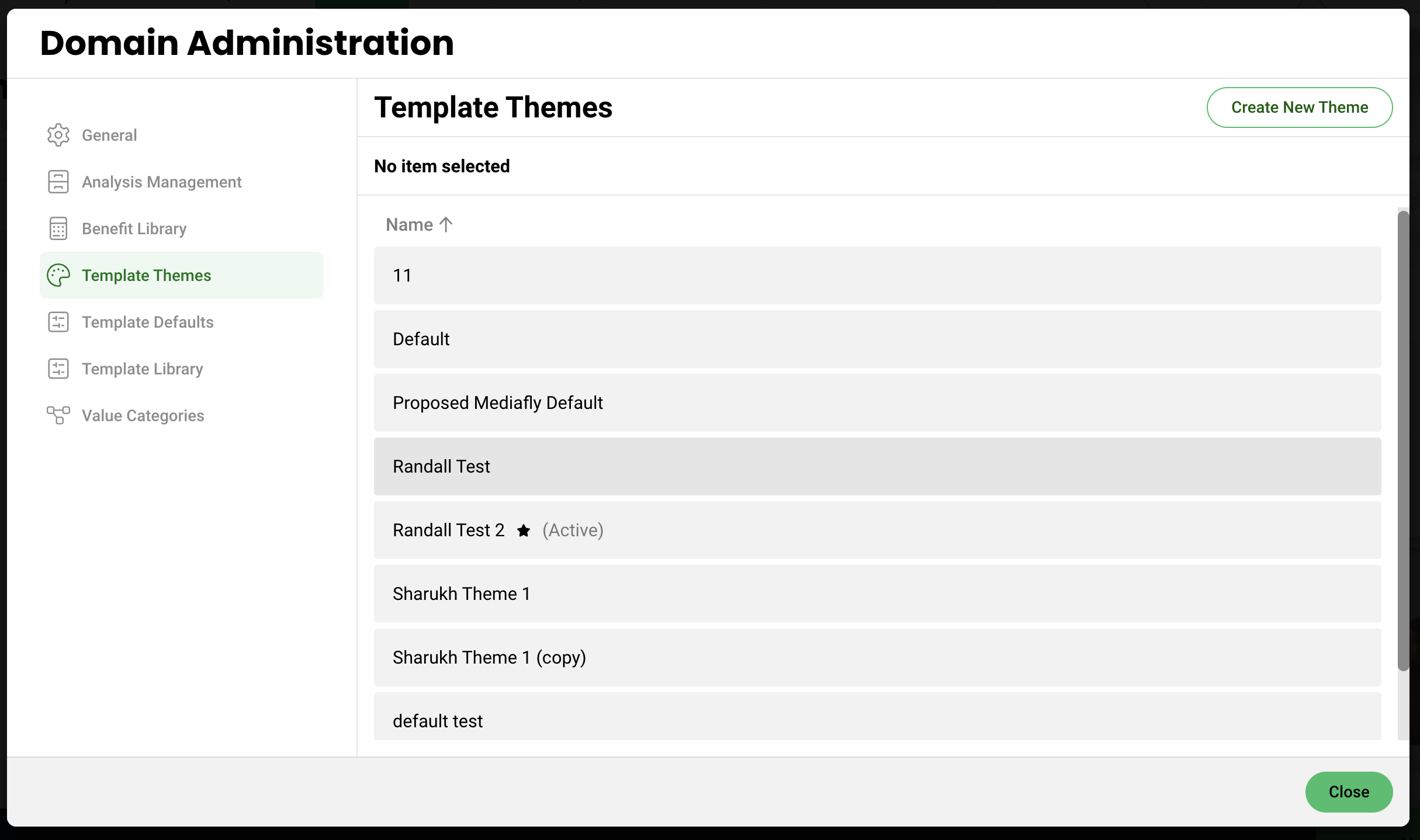
Value includes a robust set of controls to give you power over your interface. Admins can create Themes that can be edited, saved, and re-used across any template in the domain. A preview is provided to show the user how the theme and associated elements will appear in the application. Some of the things admins and authors can edit are:
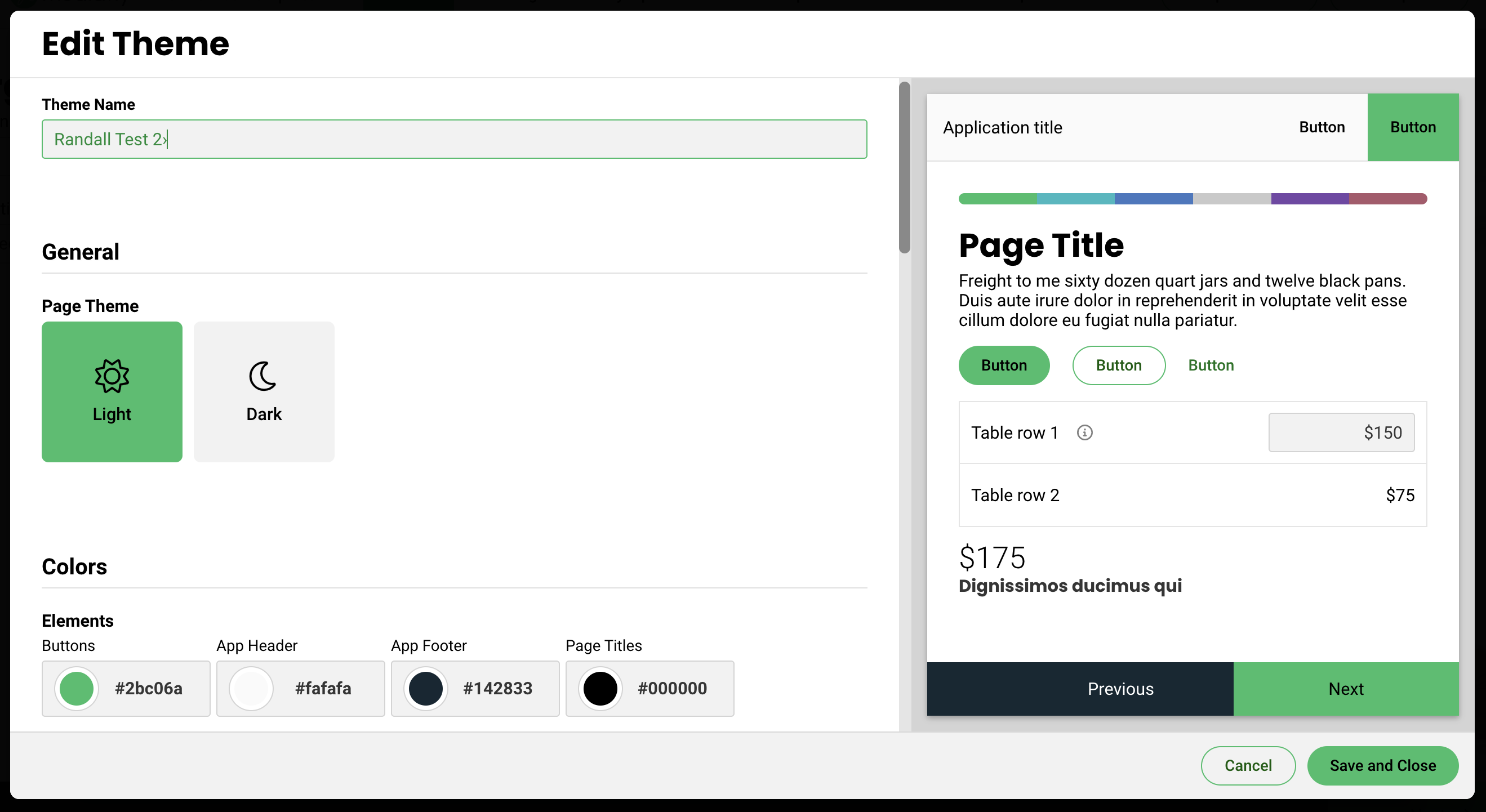
- Page Theme: Set your page theme to apply a light or dark theme generally across the entire domain. This will include all pages and popups
-
Colors/General Palette: Colors can be applied to various elements in your domain, including buttons, backgrounds, charts, and the app header/footer. Users can enter a hexadecimal value or use a color picker to select their color. Additional element styling options are available if you check the ‘Enable Advanced Options’ checkbox at the bottom of the brand editor.
-
Note: Certain color combinations are not allowed. For example, a domain with a light theme cannot also include white buttons and inputs.
-
Note: Certain color combinations are not allowed. For example, a domain with a light theme cannot also include white buttons and inputs.
- Element Styling/Border Weight: The shape and thickness of your elements can be adjusted. This will affect the shape of your buttons, popups, and various other elements
- Font: Both the header and body font can be customized. Over 20 fonts from Google Fonts are available to choose from. Font sizes can also be adjusted
- Logo: Upload your standard logo and a white variant in order to see your logo populated throughout the application. Logos must have a transparent background and be smaller than 1MB
A theme can then be chosen directly in the application from the Template Default Settings section.
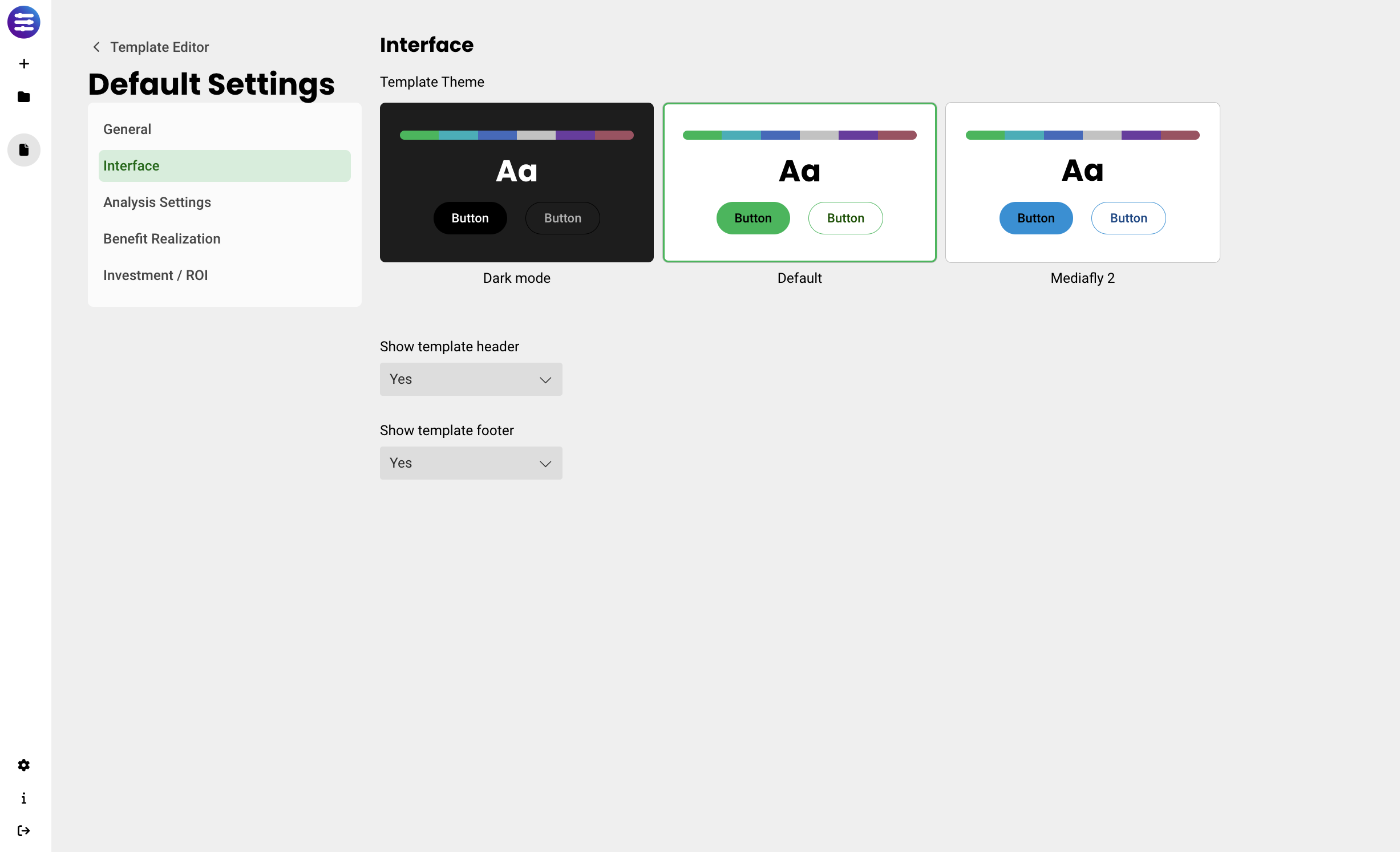
Template Defaults
Explained in Template Settings Configuration. The only difference here is that these settings will be applied to ALL templates in the domain.
Template Library
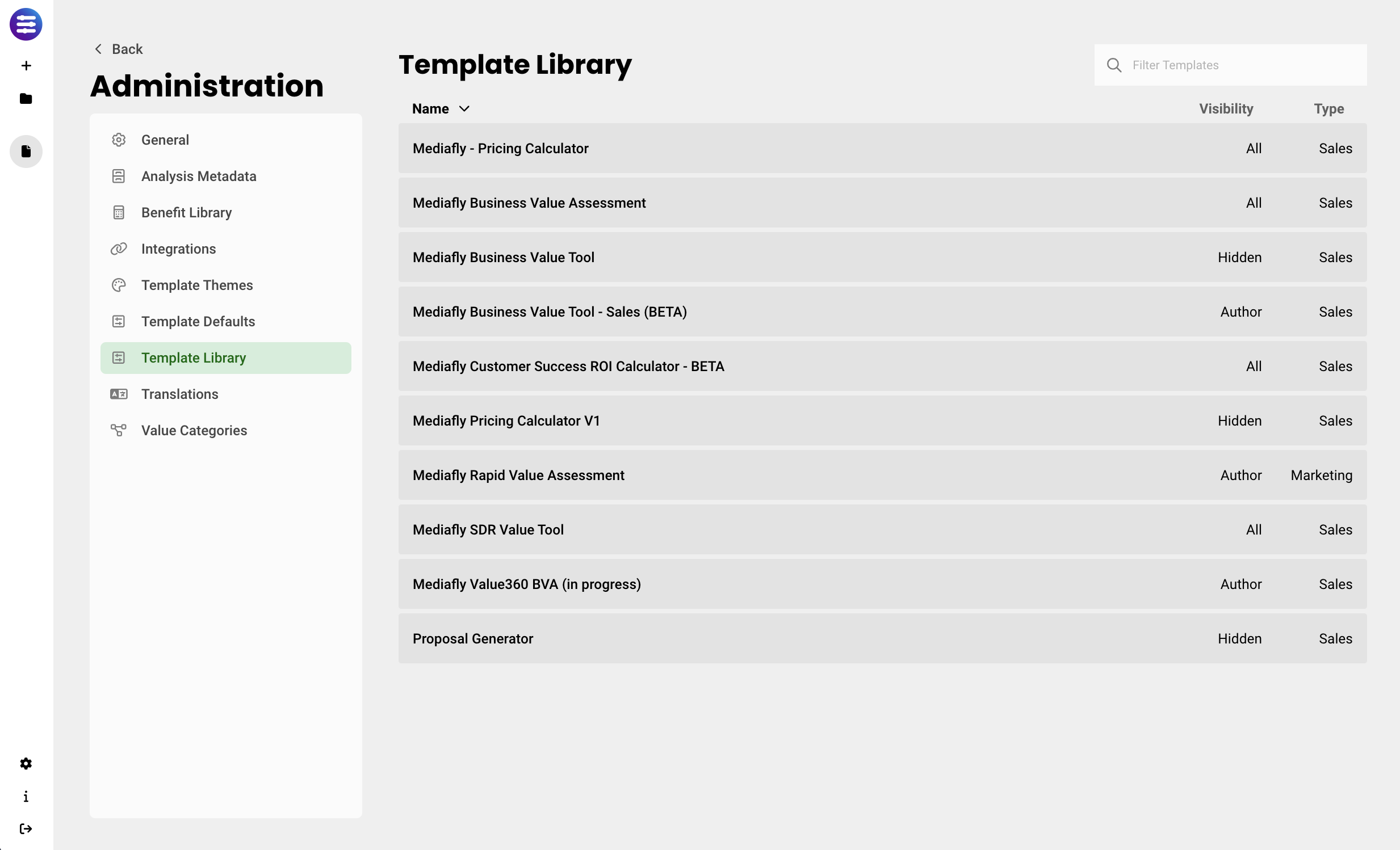
The Template Library allows admins to view and manage all Templates in their domain.
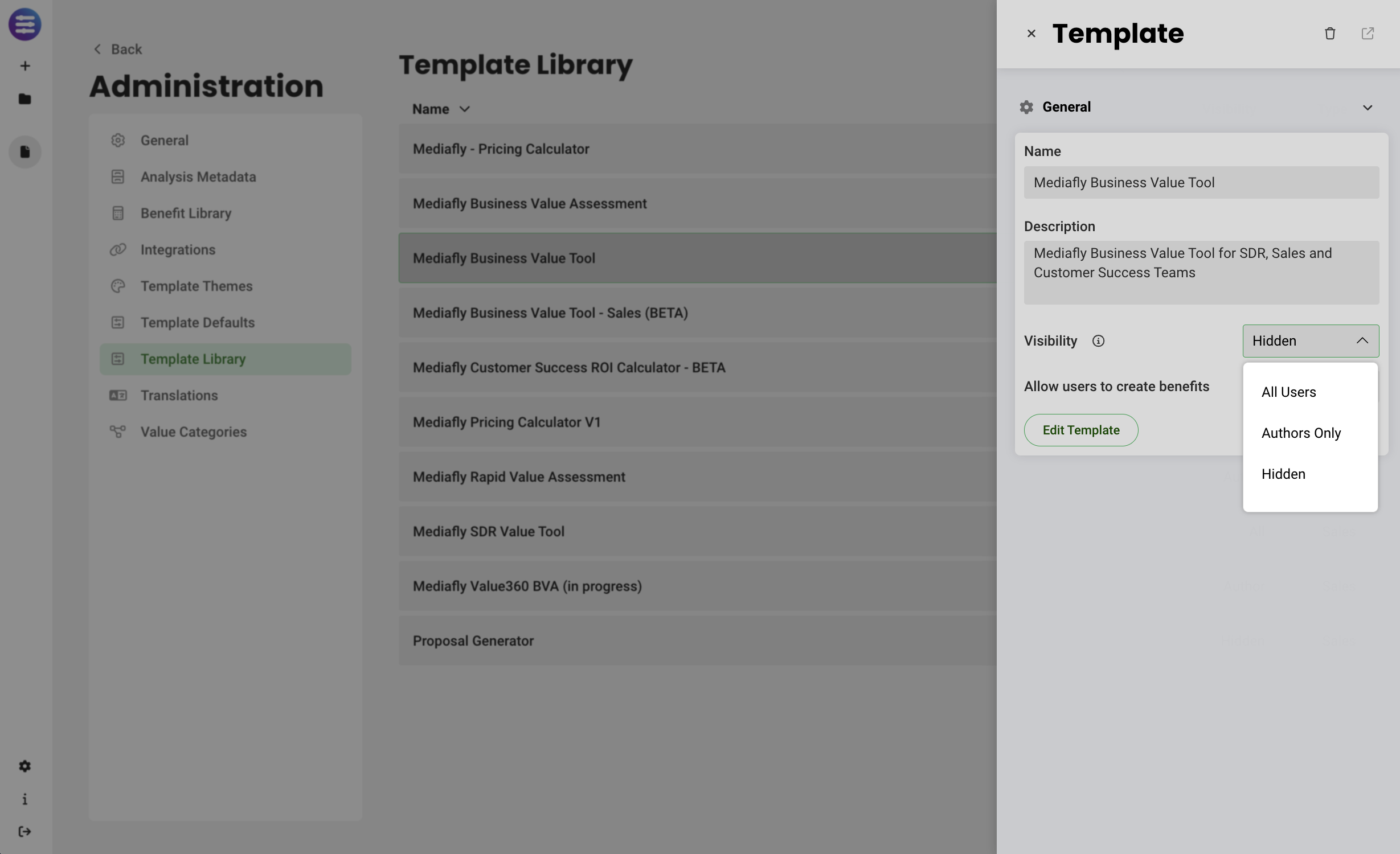
By selecting a Template, you can give your Template a name, description, and determine who is able to see the Template on the Create screen, and enable users to dive into benefit details. This is especially important when Templates are being refined and not ready for Sellers to start using with prospects or customers.
- All - Administrators, Authors, and End-users can view the Template
- Authors only - Administrators and Authors can view the Template
- Hidden - only Administrators can view the Template
Translations
This section allows you to manage all translations for your domain, if enabled. This is explained in the Translating your tools into multiple languages article.
Value Categories
Benefits can be categorized into one of many value categories, such as cost avoidance, risk avoidance, productivity improvements, and growth. These categories can be hierarchical as well.
For example, you may wish to have a top-level category of Cost savings/avoidance; within that, Cost avoidance; within that, Variable cost avoidance.
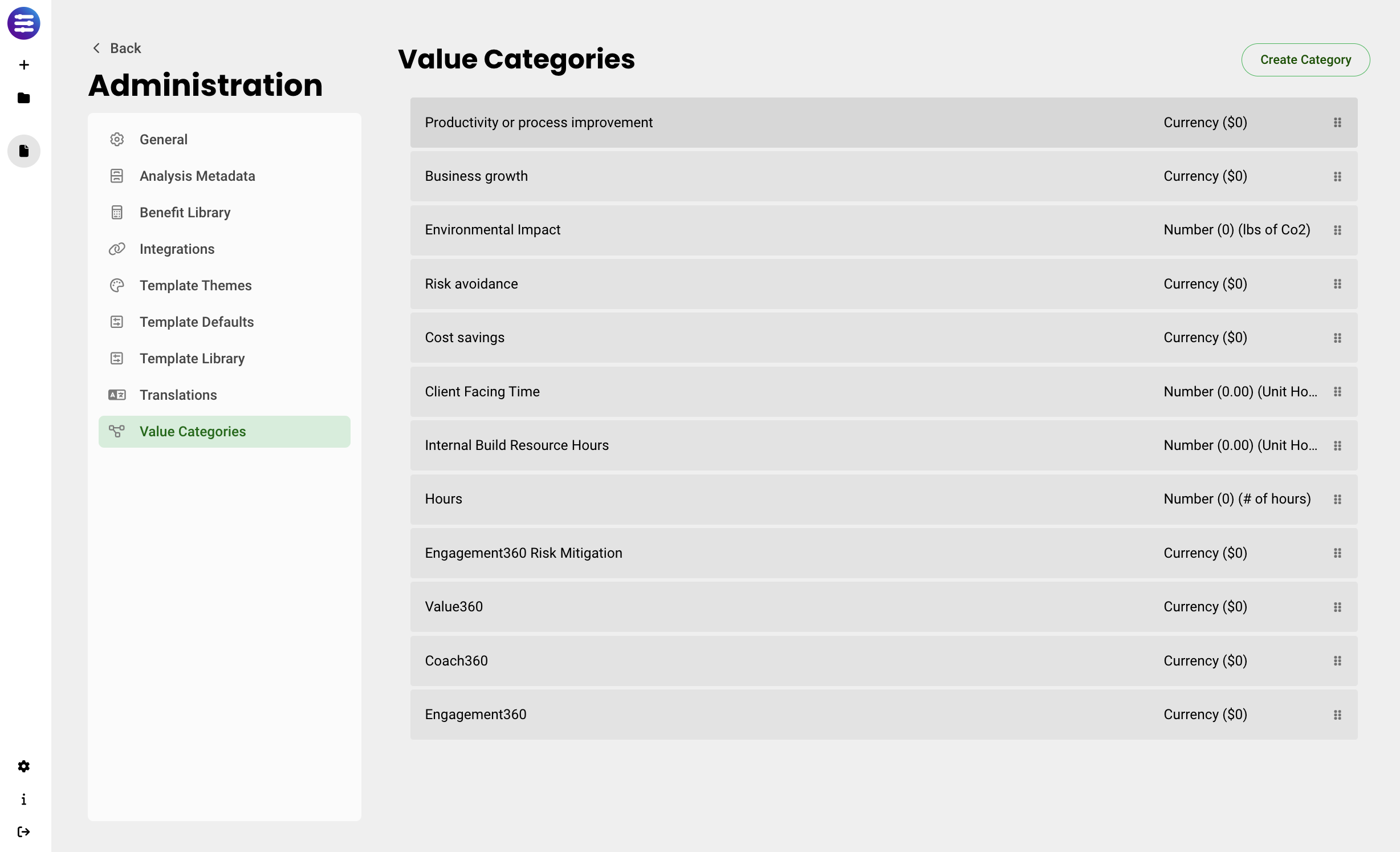
Tap on + Create Category to add a new named category to the bottom of the list.
For any given category, you have the option to give it a name, data type, and a unit of measurement if the category is qualitative. You can also reorder them or nest one into another by dragging and dropping.
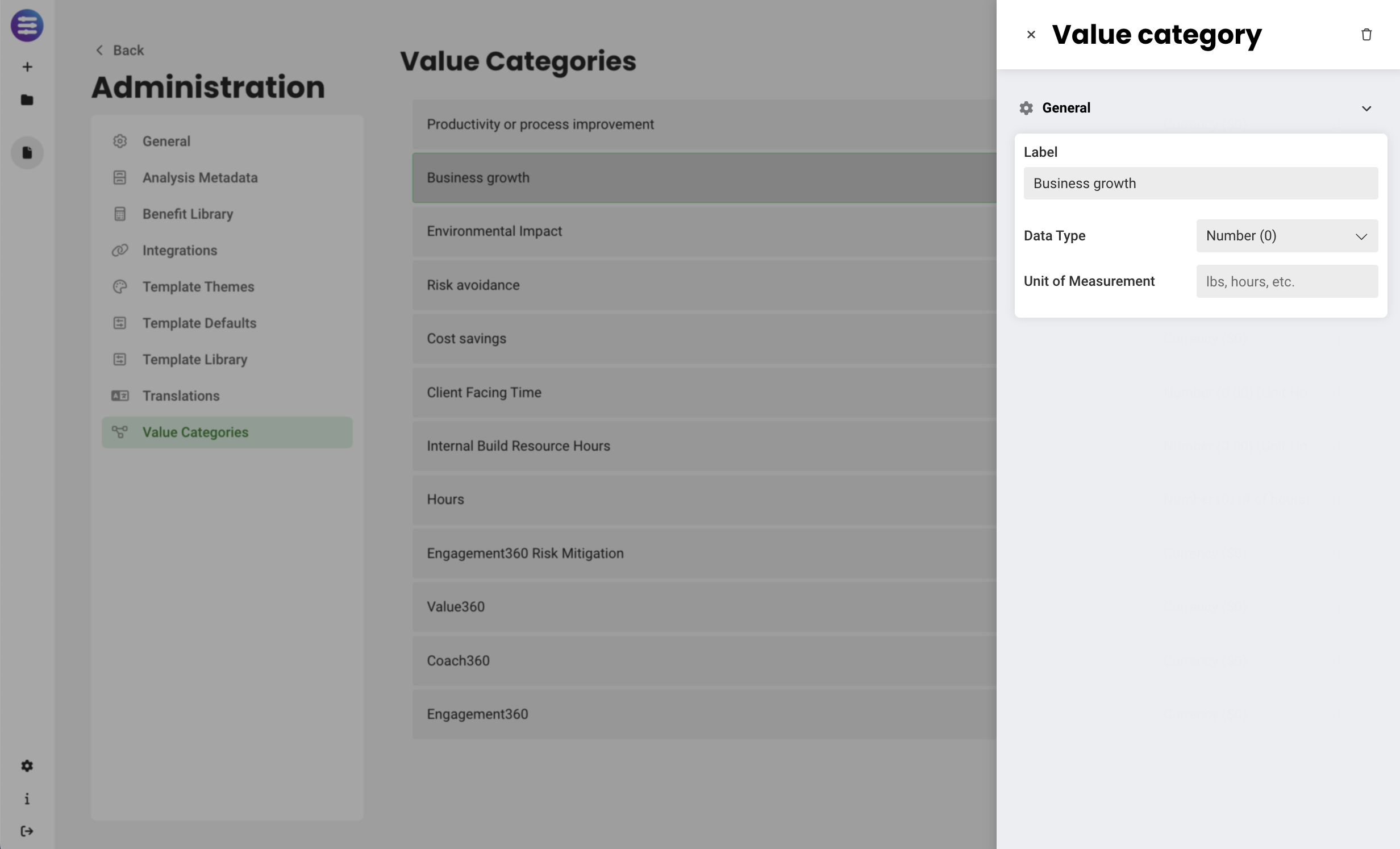
If you do delete a category that has benefits currently mapped to it, you will be asked to remap those benefits to another value category. This ensures your existing benefits don't get unmapped unexpectedly.
Replies have been locked on this page!