


Admins can customize the property that the Machine Learning models “split” the data on. Customizing the property used by our ML Models (Ideal Customer Profile and Confidence to Close) to split the data allows you to align the models with your business process. For example, teams that use Record Type rather than Opportunity Type can segregate their sales process from New Business vs Renewals resulting in the Confidence to Close and Ideal Opportunity Profile to be more accurate!
Enabling Split Property in Model Configuration
Prerequisite: Before beginning, the property you want to split on must be set to “picklist” in Step 8 of the ML Property Mapping process.
- Click Admin Machine Learning to access the Machine Learning Definition Management page
- Select a Machine Learning Model
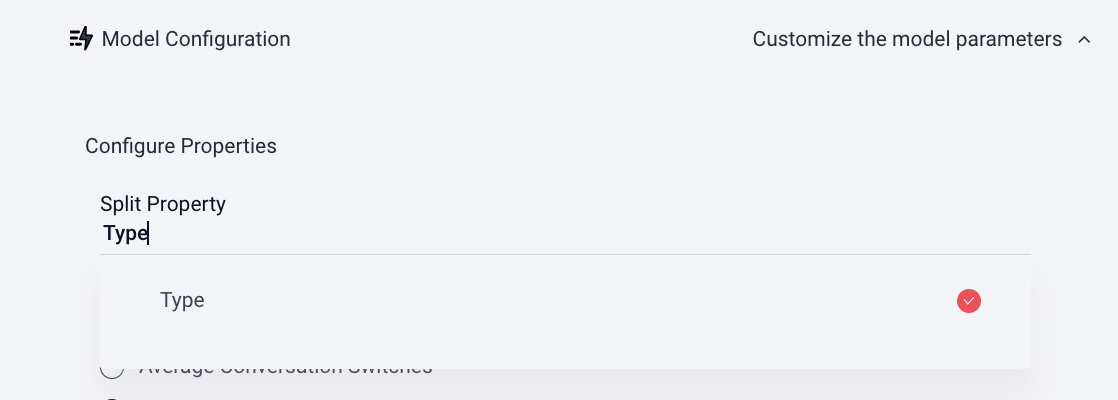
- Click Model Configuration to customize the model parameters
- Click Select Split Property then choose a Split Property from the dropdown menu
Optional: Here you can select/deselect Model Properties you want to include or remove from the ML configuration under "Model Properties".
- Click Save. The model will run immediately and typically takes under 30 minutes! Email support@mediafly.com to request your results.
Replies have been locked on this page!