


Intelligence's machine learning models give you a competitive advantage to answer more questions quickly. And the more data available to calculate, the more accurately these questions can be answered.
We offer three Machine Learning Models:
Confidence to Close model that helps answer, What is the confidence that a given opportunity will Close Win based on how it is progressing?
Ideal Opportunity Profile to better solve, How closely does this deal “look like” deals you win?
Predicted Close Date: When does Intelligence predict a deal will close?
Enabling Machine Learning Models
1. Click Machine Learning to open the ML Definition Management page
2. Click + New Machine Learning to open the ML builder wizard
3. Choose the model template you want to create (Confidence to Close or Ideal Customer Profile), then click Next
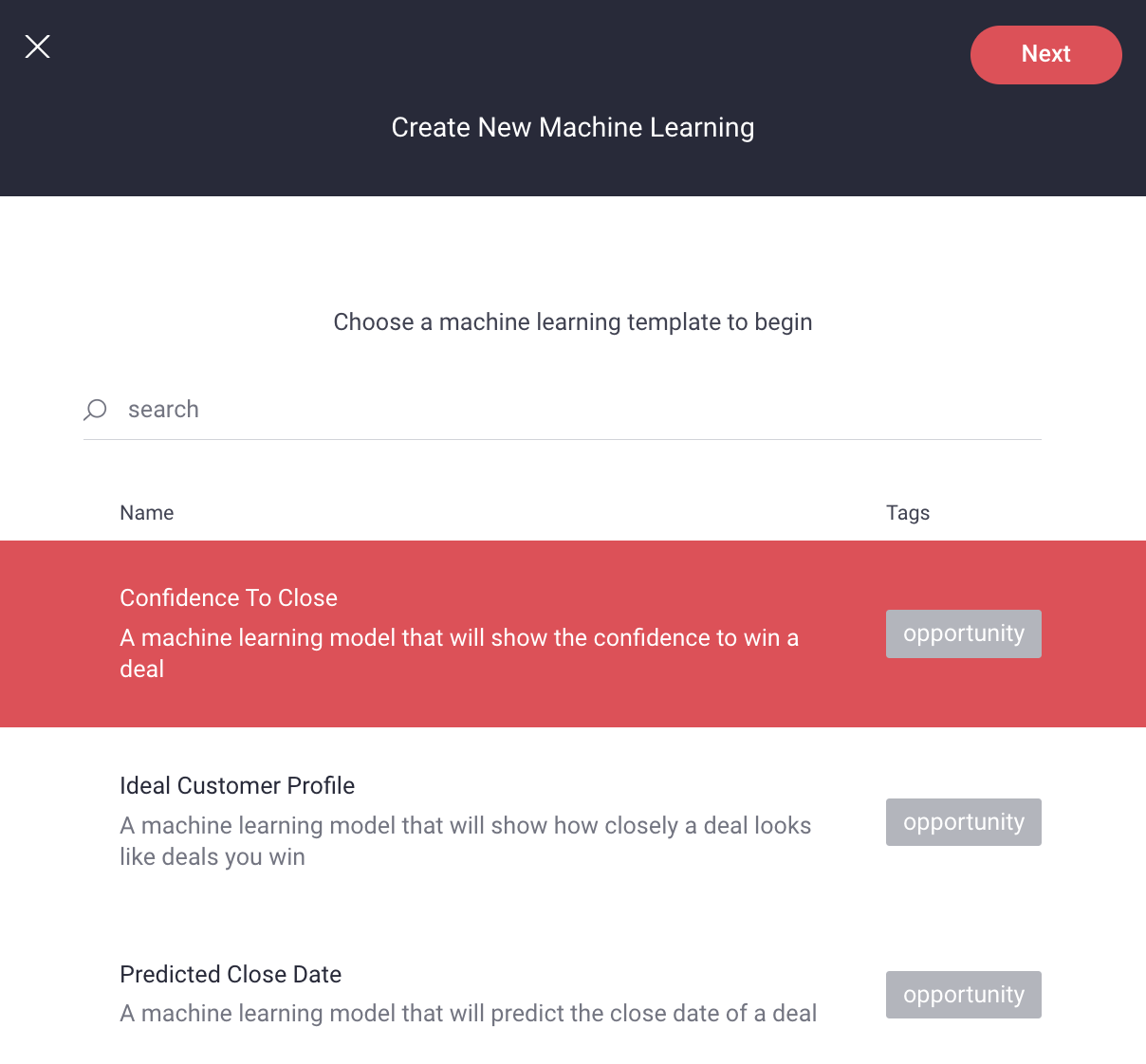
4. Enter a Name and Description, then click Next
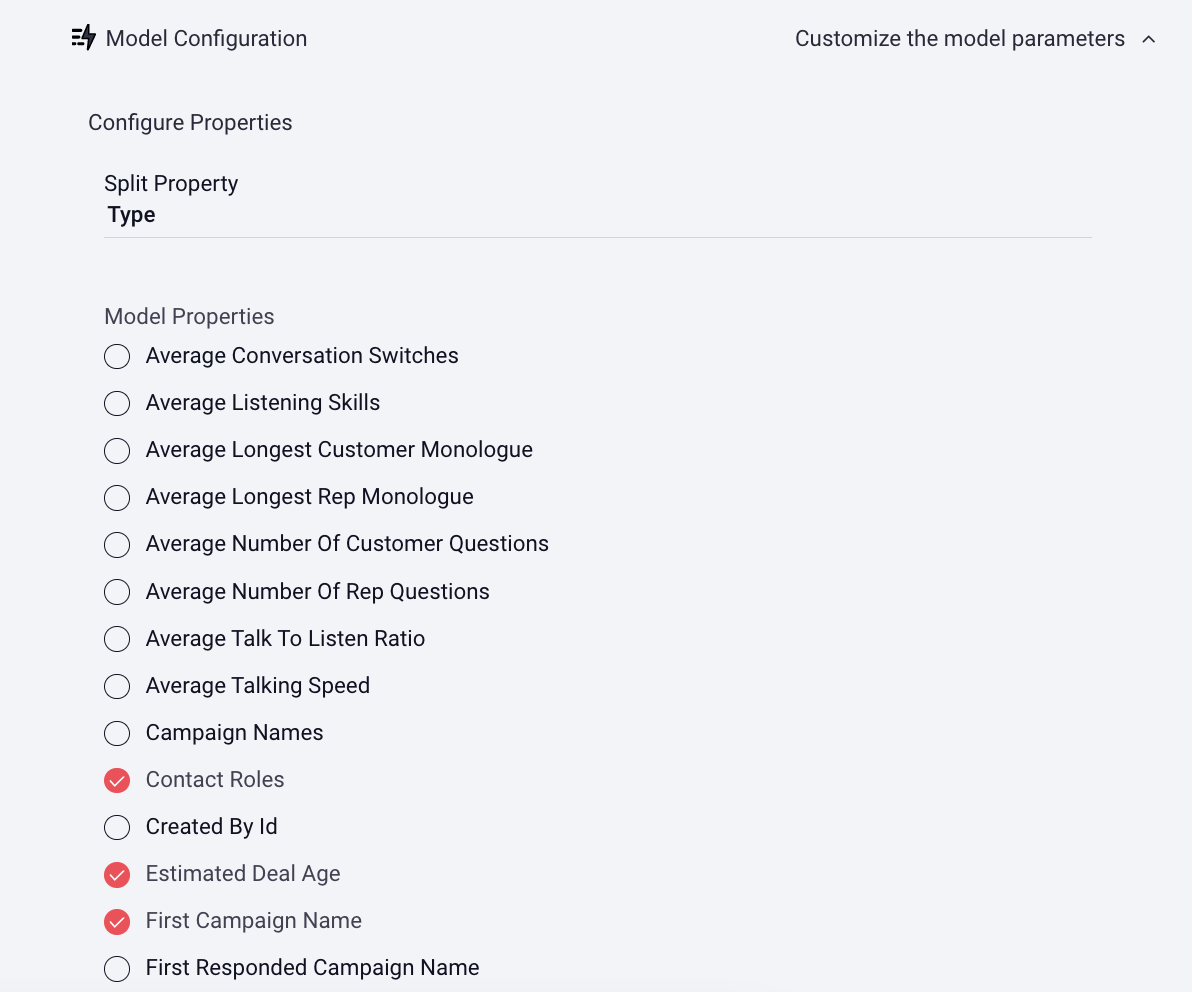
5. Click on Model Configuration
6. If you want to Split Property, click here for more info, otherwise, move on to the next step
7. Select the Model Properties you want to include in the ML calculation
8. Click Save
The report will run immediately and typically takes about an hour, contact your CSM for the report.
Replies have been locked on this page!