


Perform the following steps to enable Intelligence to access your Google account:
-
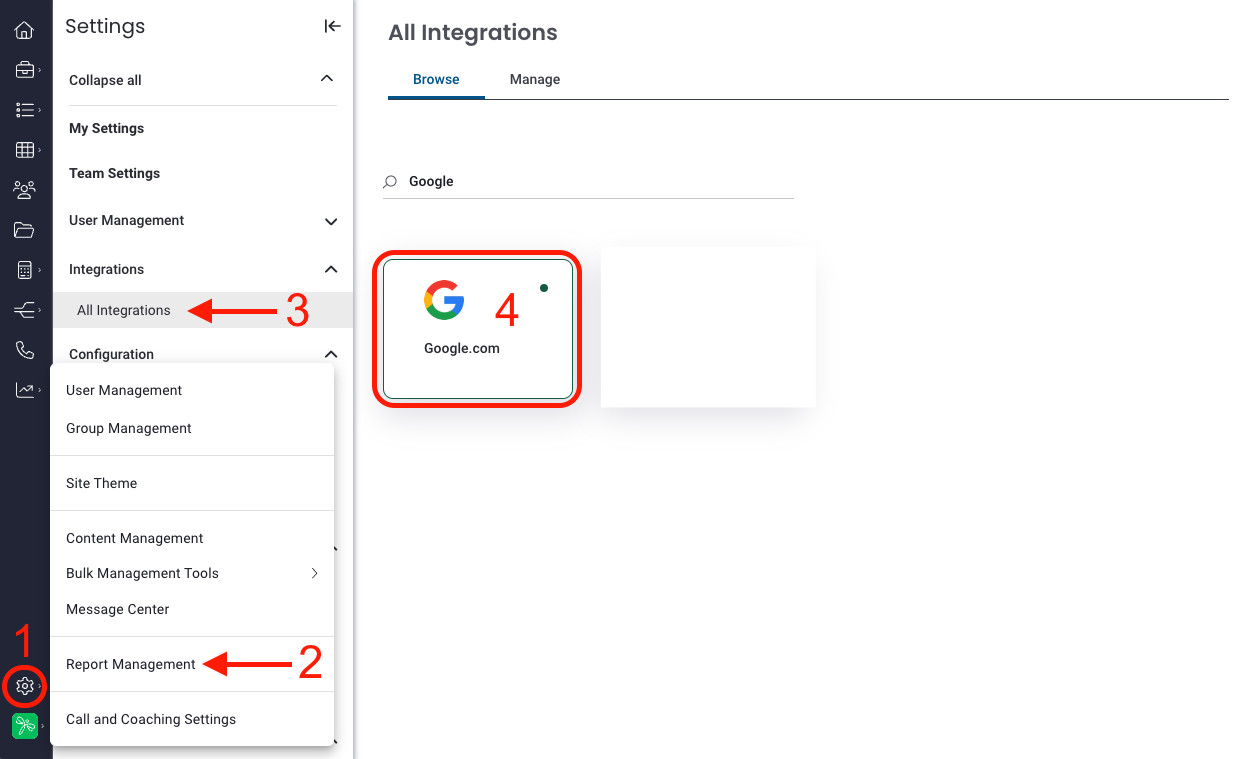
Go to Settings > Report Management > All Integrations > Click the Google integration.
*Revenue Intelligence ONLY users, click settings in Revenue Intelligence, then proceed to All Integrations and continue. -
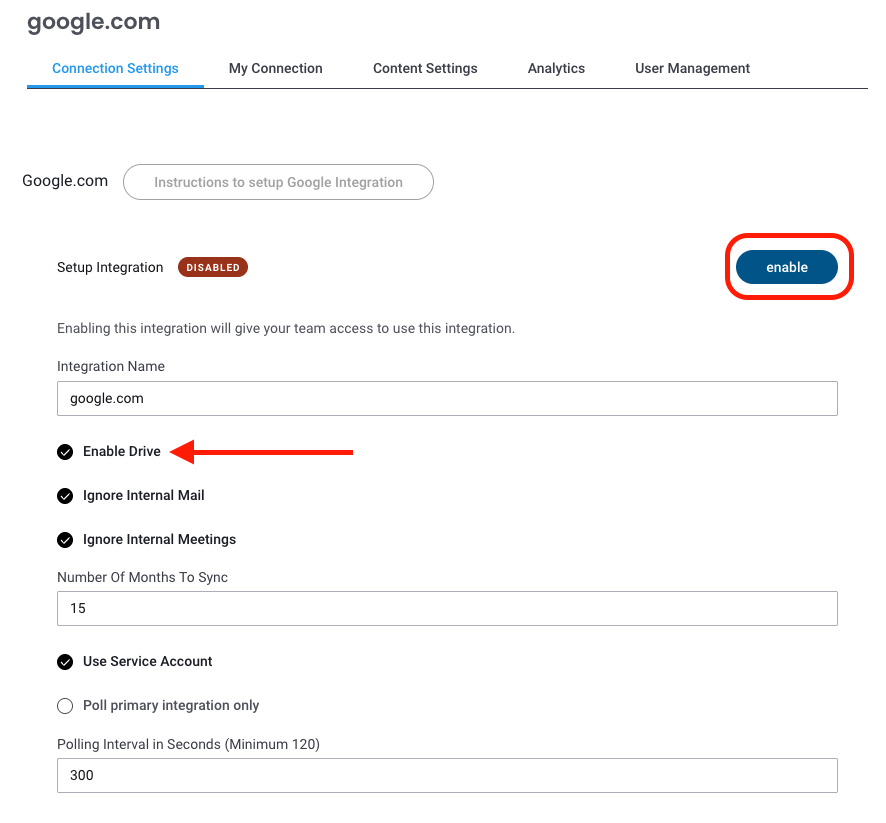
Click on Enable (If you want Google Drive files, make sure to check enable drive.)
-
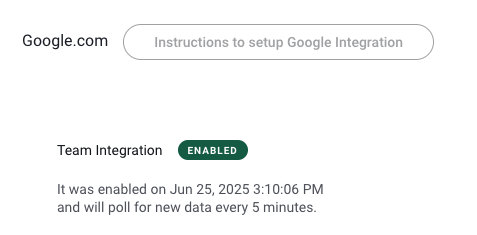
Your Google integration should now be enabled.
Replies have been locked on this page!