


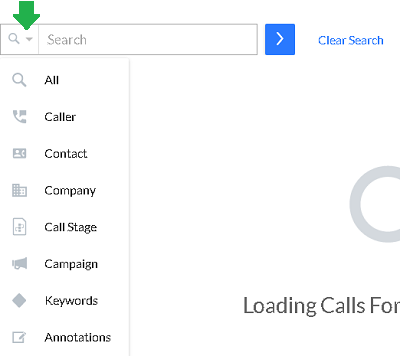
Similar to LinkedIn's old drop-down search bar, Coach offers a search box to quickly search for callers, companies, call stage, keywords, and more.
Click any of the search suggestions that appear in the drop down list, type the subject that you are looking for and then hit the box to narrow down your search options.
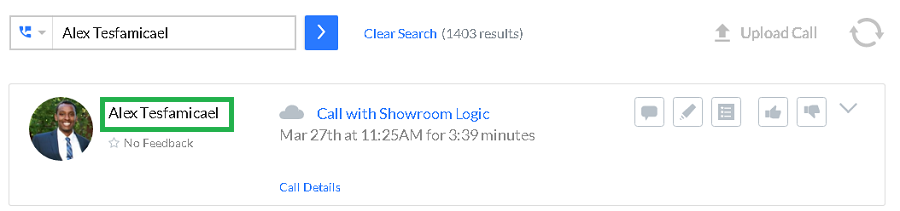
Use Caller to filter based on who placed the call.
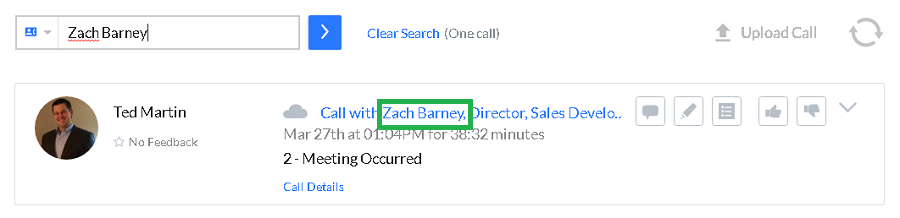
Contact allows you to search for a specific prospect or job title.
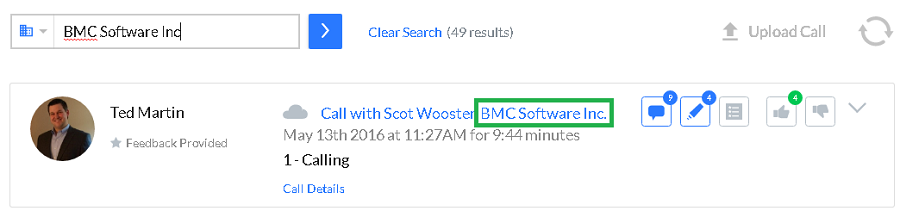
Company allows you to search for the name of the company.
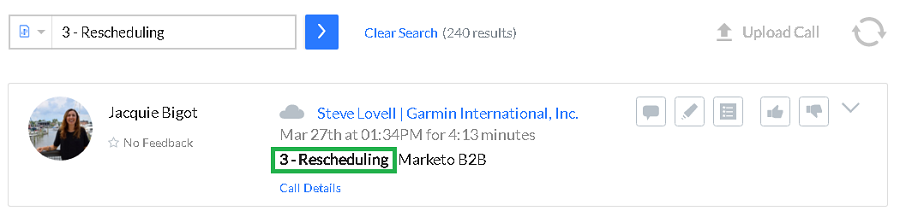
Call Stage gives you the ability to search for the prospecting status of the call.
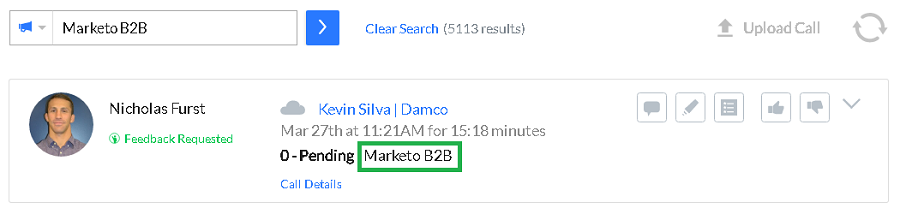
Use Campaign to search for the corresponding Salesforce campaign field.
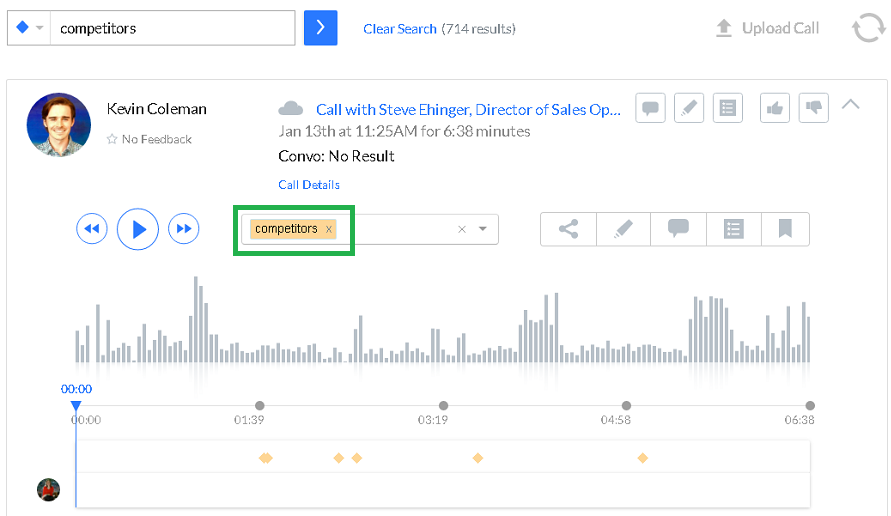
Keywords allows you to search for important words that were said on a call.
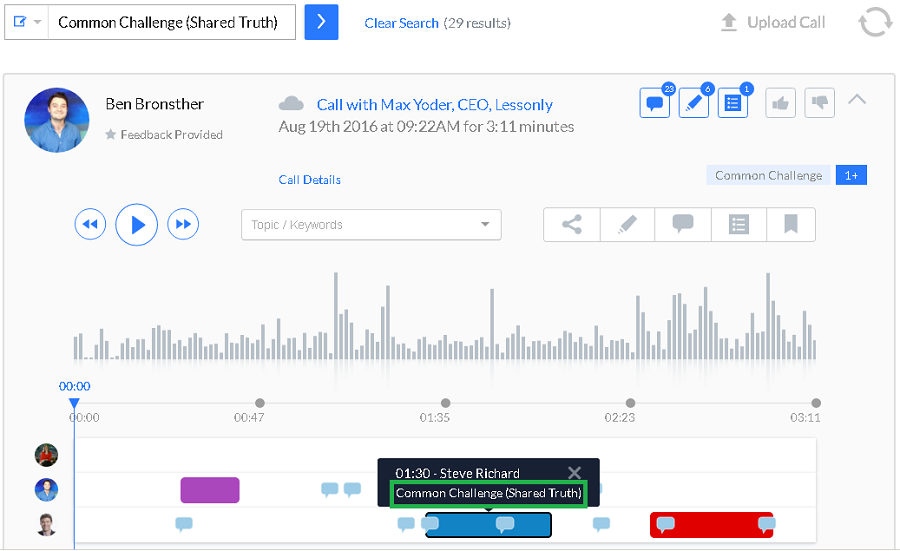
Use Annotations to filter based on the specific Highlight left on the call.
Replies have been locked on this page!