


If the Translations module has been purchased and enabled in your domain, you will have access to add support for multiple languages. The languages supported currently are:
- Spanish
- Portuguese
- French
- Italian
- Japanese
- German
- Korean
- Arabic
- Dutch
- Norwegian
- Finnish
- Turkish
- Lithuanian
- Russian
- Hindi
- Chinese
- Malay
- Indonesian
- Thai
Authoring
As an Author, you can access this feature via the Administration in the Translations tab.
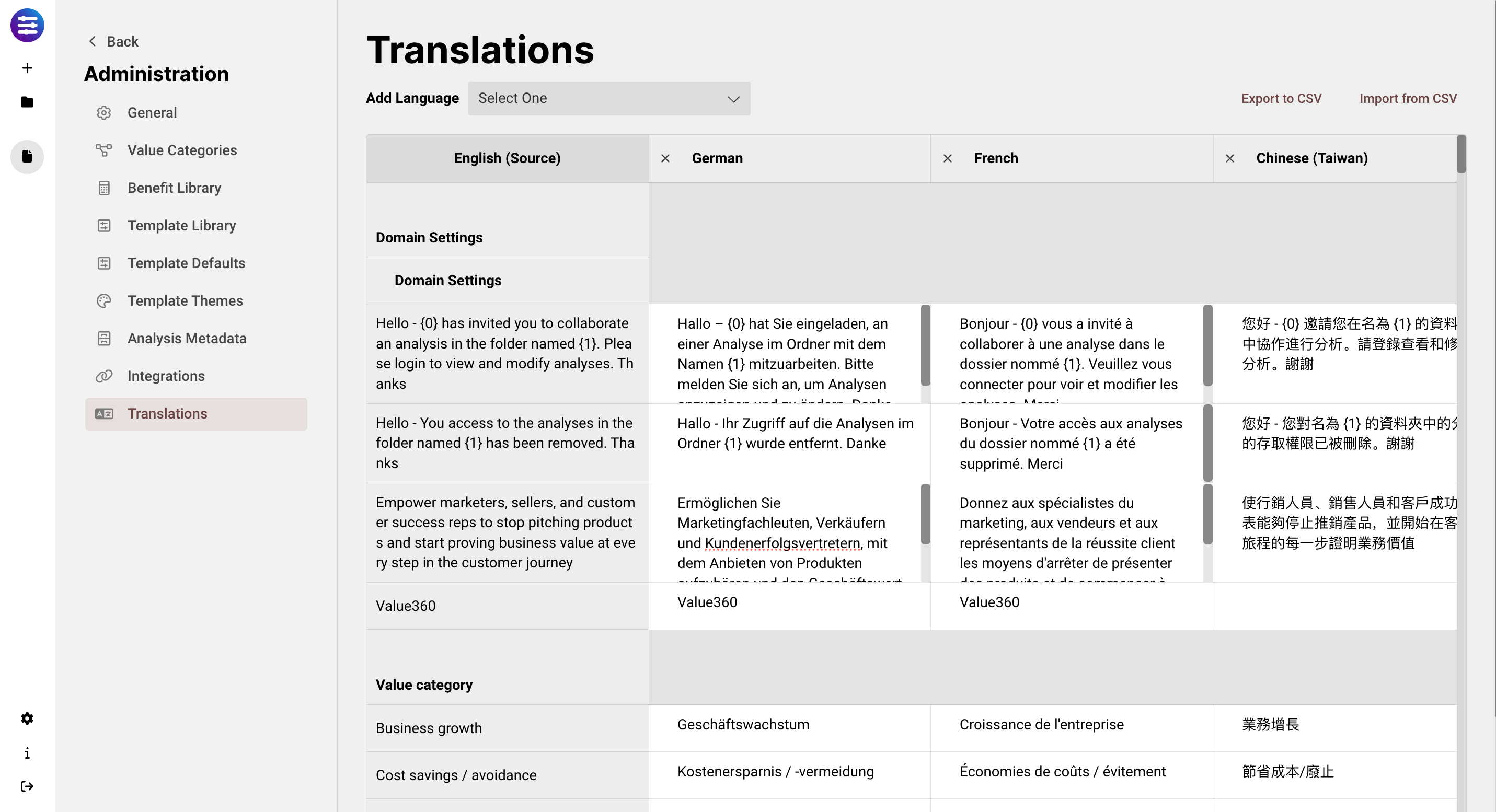
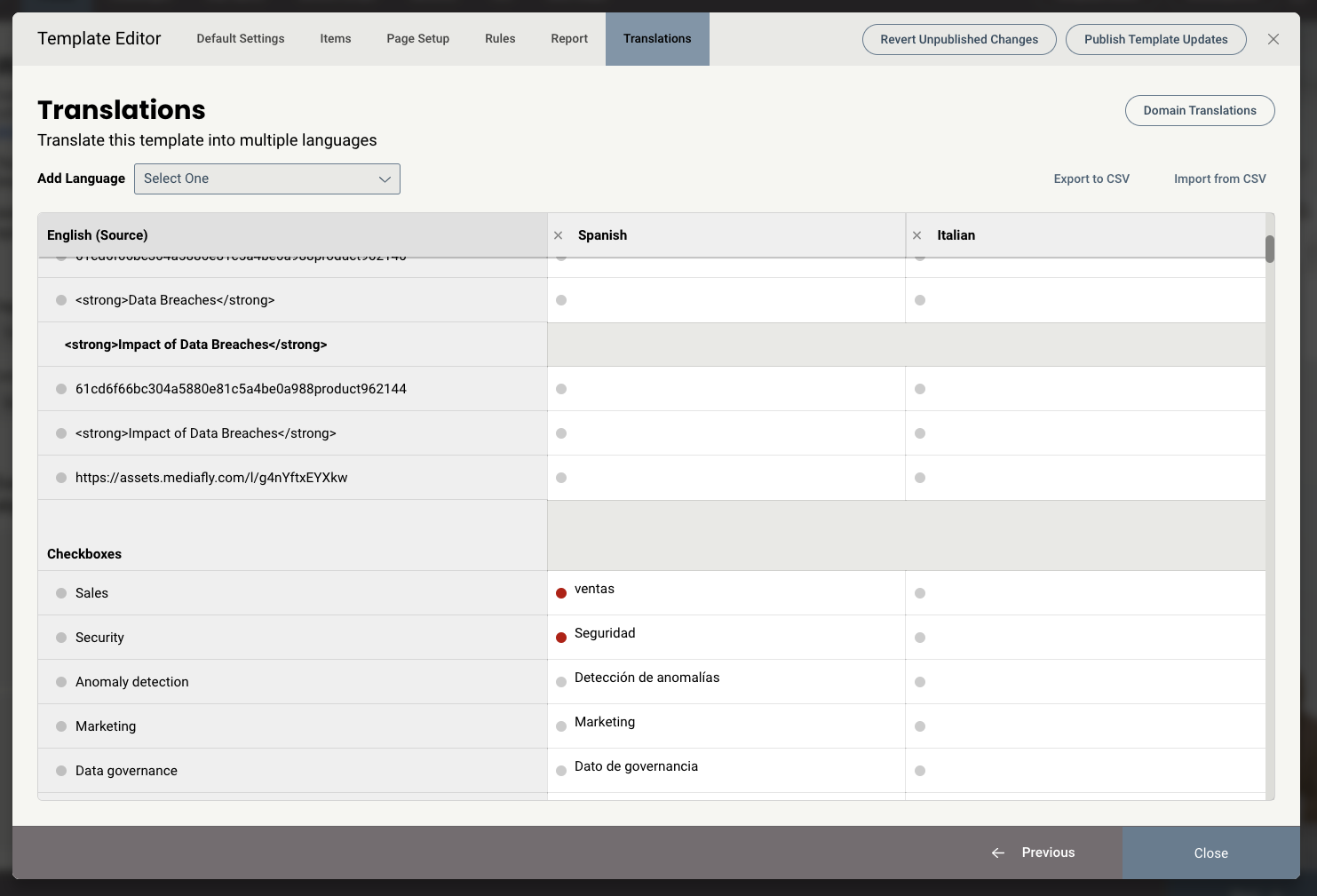
Whatever language the Template was published in becomes the source language on the left, in this case, English. You can use the drop down to select any number of languages to add a new column for.
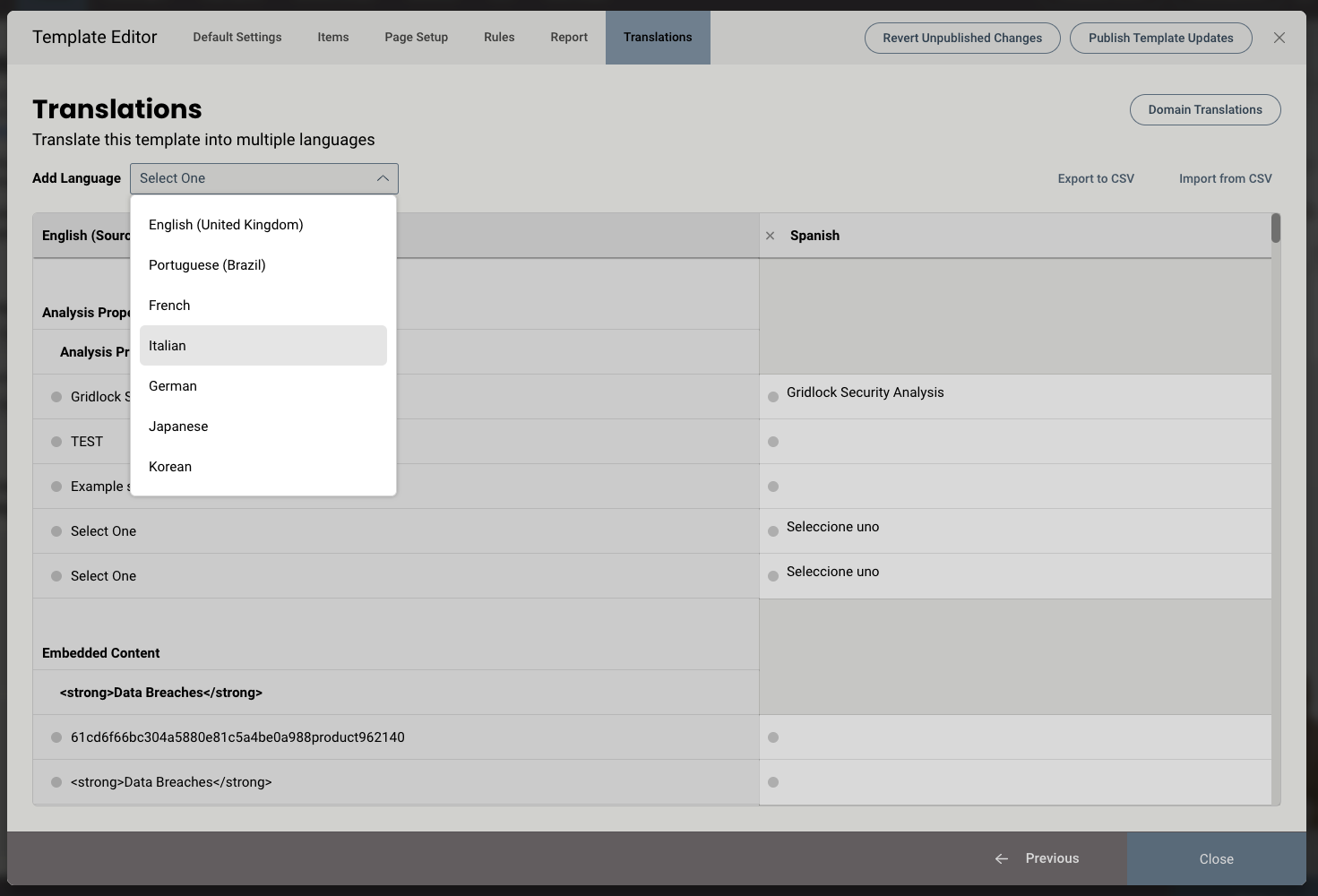
Upon selecting a language, those fields will now become editable for every string in the tool.
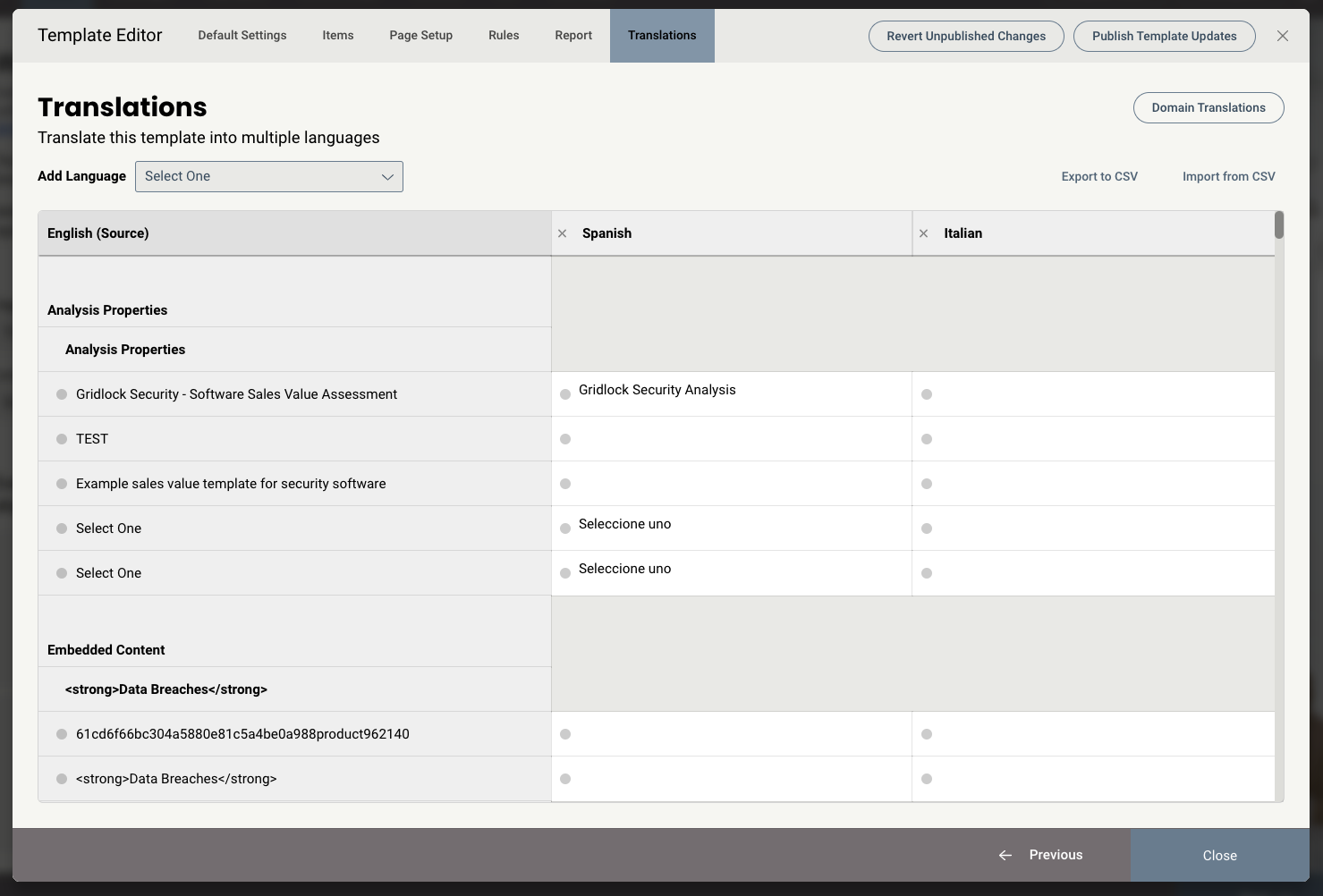
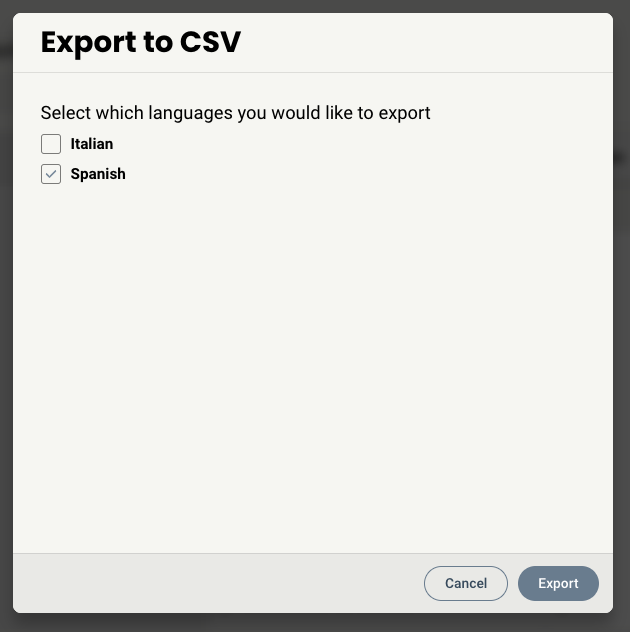
The translated strings can be entered manually, or you can export any language as a CSV to be sent to a service or in-house translator. The CSV will have columns assigned to each language that was included in the export, so once it's imported back, the fields will map to the correct languages automatically.
If a field has been edited since the last time the Template was published, it will be indicated by a red dot next to the field so that the Author knows which fields are out of sync.
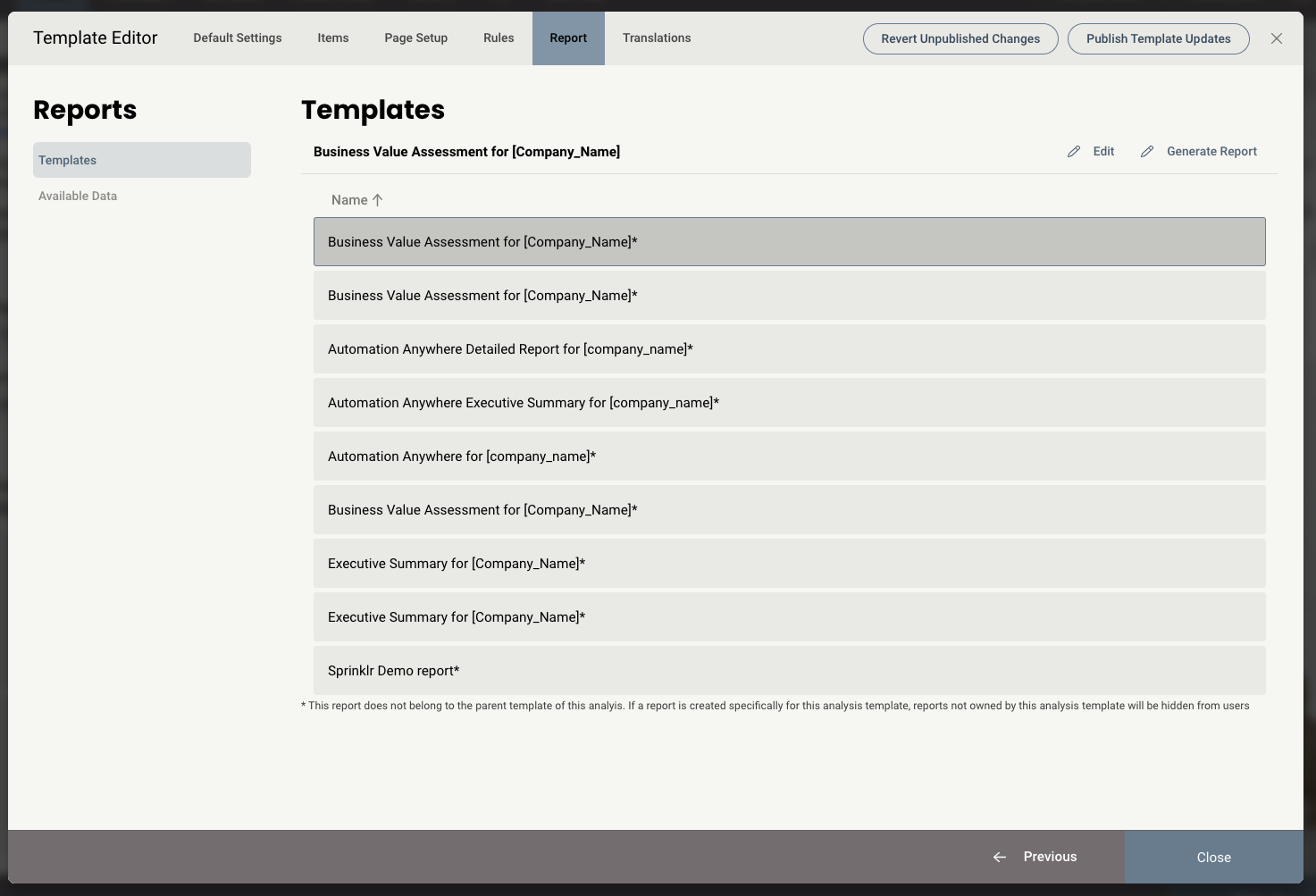
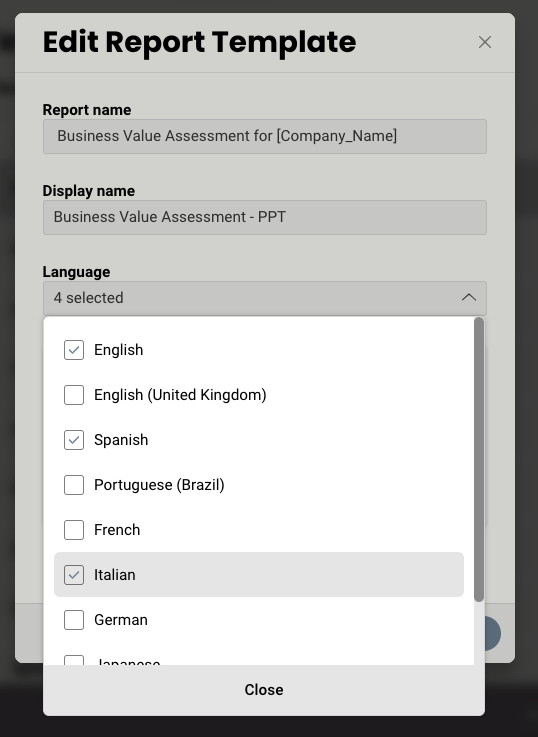
Using the Reports tab in the Template Editor, can then assign languages to each report using the Edit button so that the report shows up when that language is selected. If no language is selected, it will be viewable by all languages.
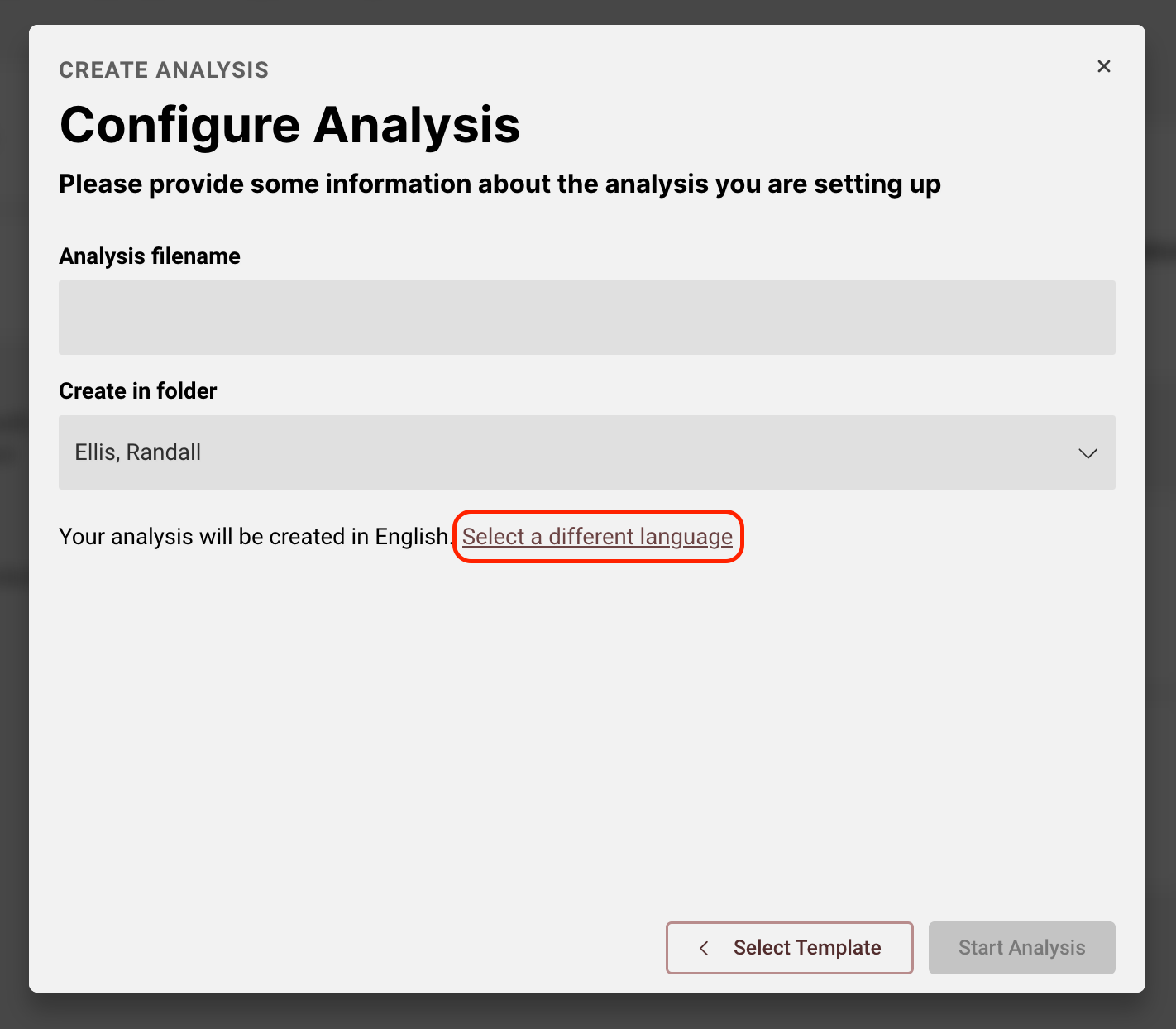
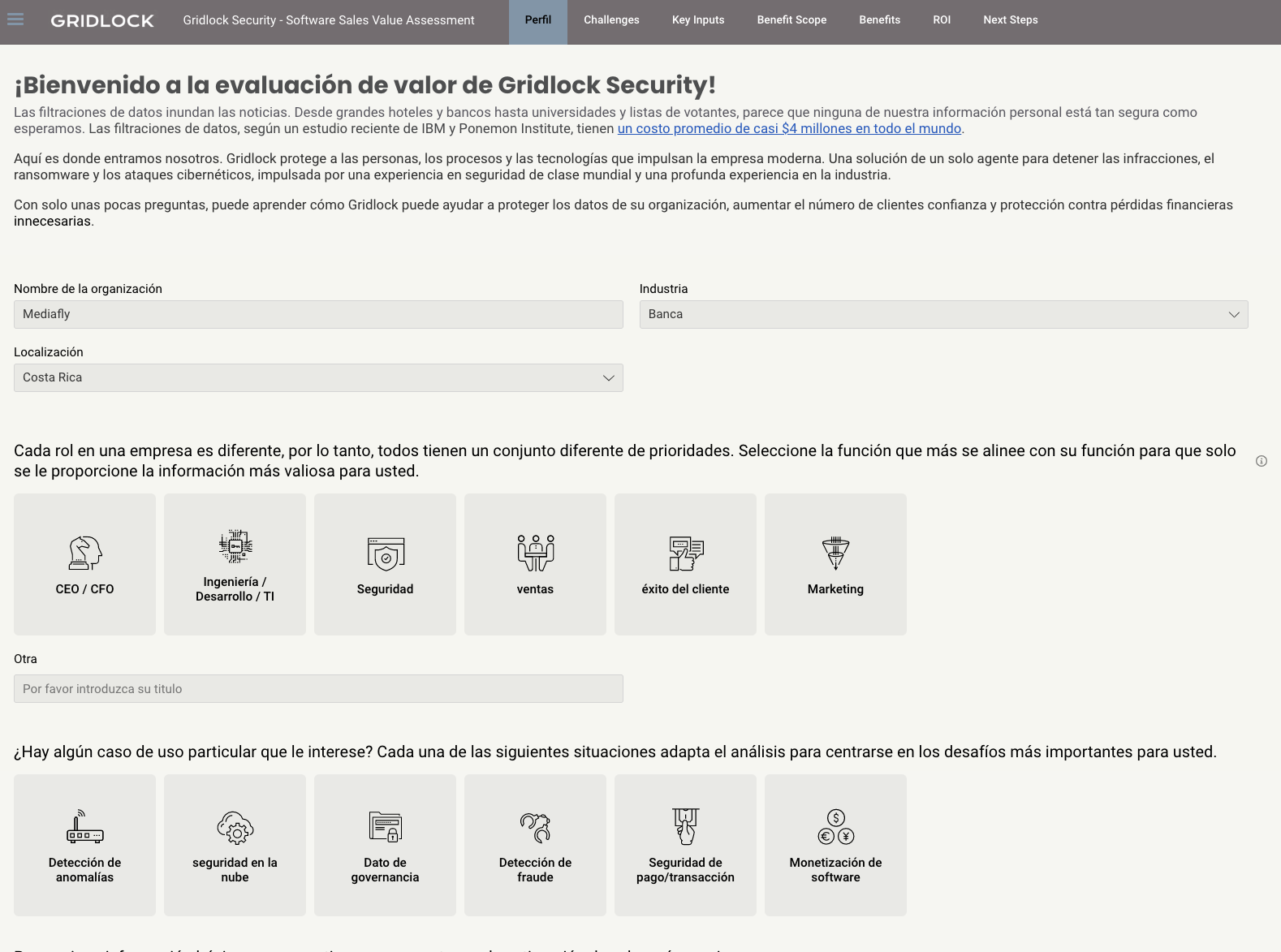
Once a Template has been published, the languages that have been added will become available when an Analysis is created. A user can select the language when creating an analysis.
Once the Analysis is created, the translated strings are applied.
Replies have been locked on this page!