


The below steps grant Coach access to your Salesforce instance to allow us to query for data related to call recordings. This process typically takes 5 minutes.
1. Sign into Coach using the Integrations User's credentials provided by Sales or Customer Success.
2. Navigate to the Integrations section within the Admin tab to stand up the integration.
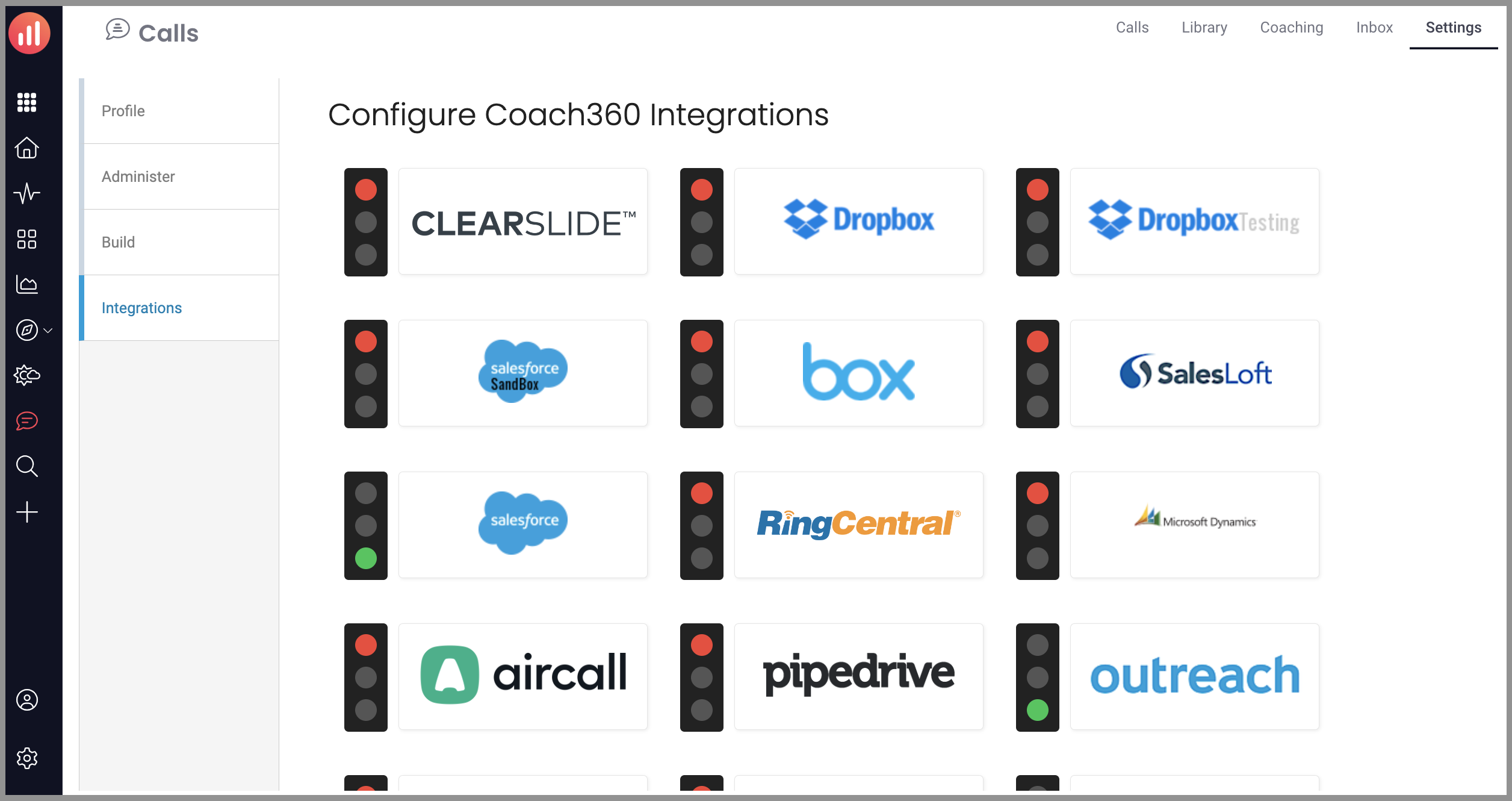
3. Click on the Salesforce icon to the right of the red traffic light.
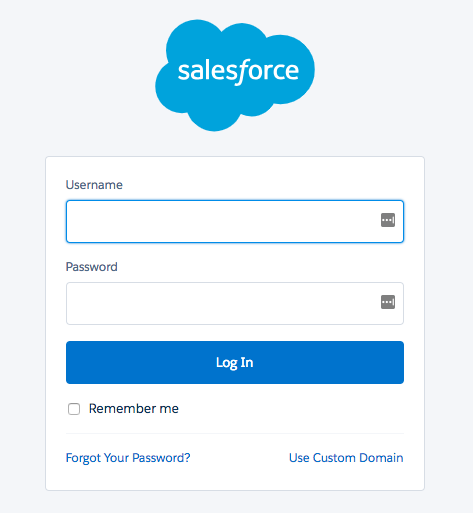
4. Follow the prompts to authorize access for Coach to connect to your Salesforce instance.
5. Confirm you're redirected back to the Integrations page. If the traffic light is green, please notify your account rep as our Support Team must finalize the integration following access authorization.
Replies have been locked on this page!