


After you get your Mediafly Gateway environment set up and your Value tile built, you should be provided access to the administration portal. This is where you will be able to access your domains, users, and report templates.
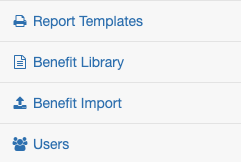
Note - This is just an example, and your dashboard may have different options depending on how your environment is set up.
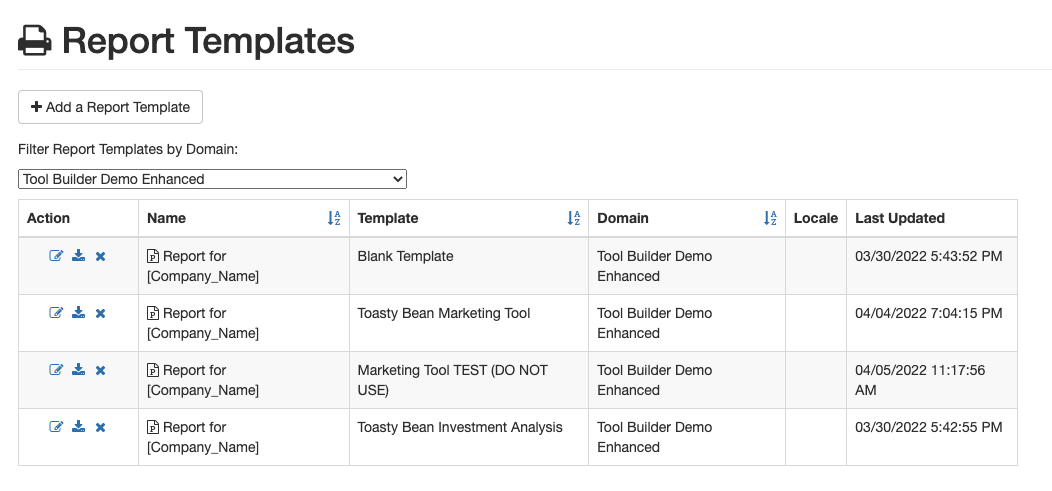
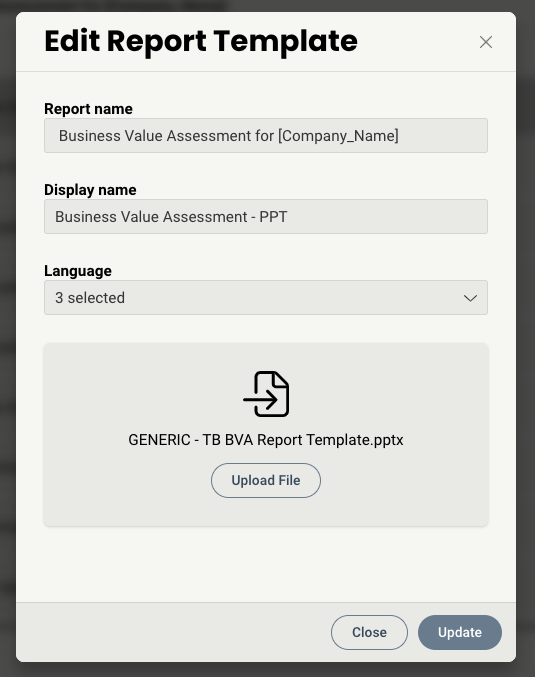
One the Report Templates tab, you should see all templates associated with your environment. A blank template is uploaded during on-boarding and can be used as a starting point when building out a new tool. For each you will have the option to Edit, Export, or Delete. Upon selecting Edit, you will see the below:
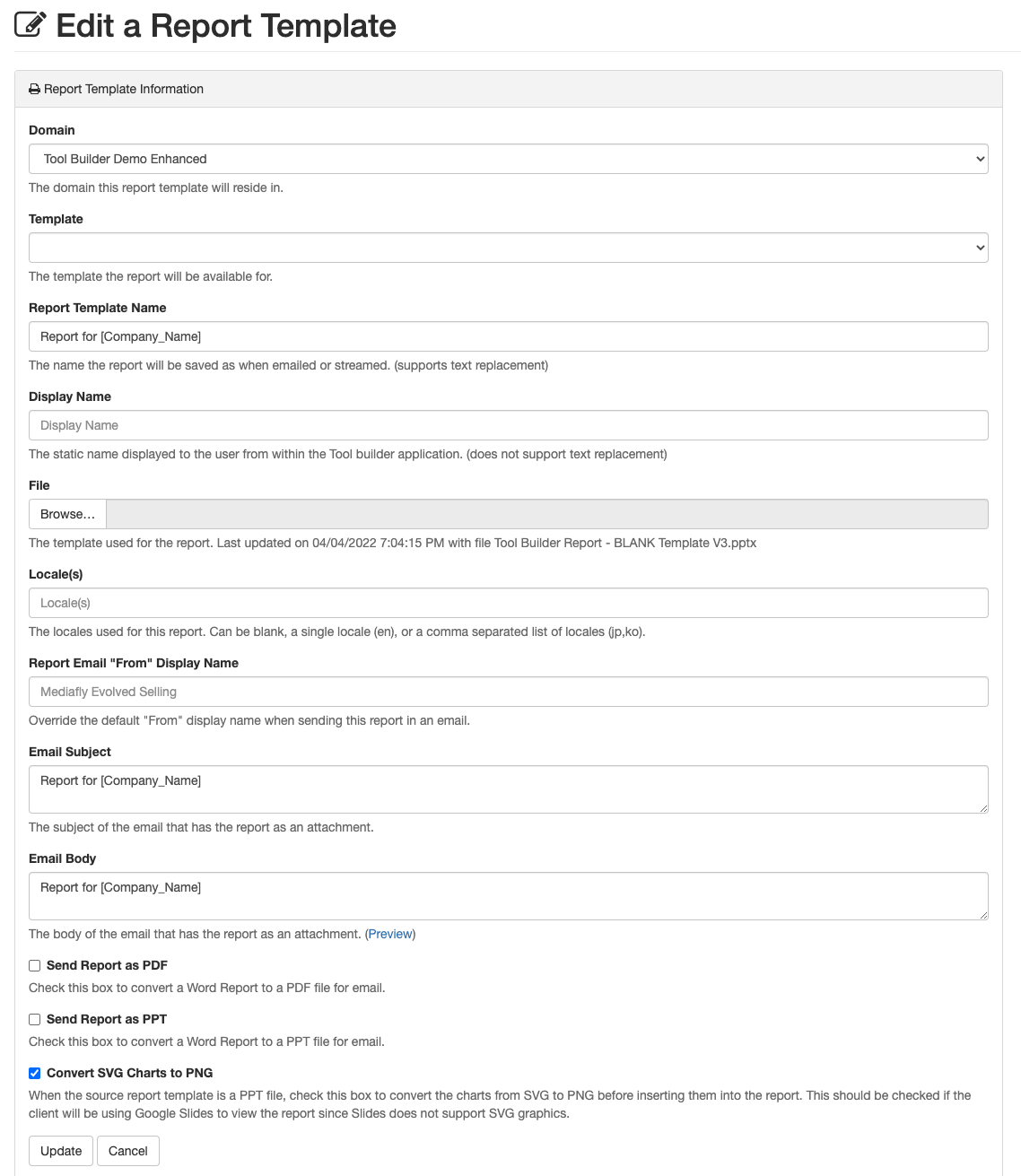
This screen allows you to modify any settings or details of the report, including Name, Template connected to, email message body, and format type. Remember, once a new report template is added to the domain, Authors will then be able to access it via the Reports tab in the Template Editor.
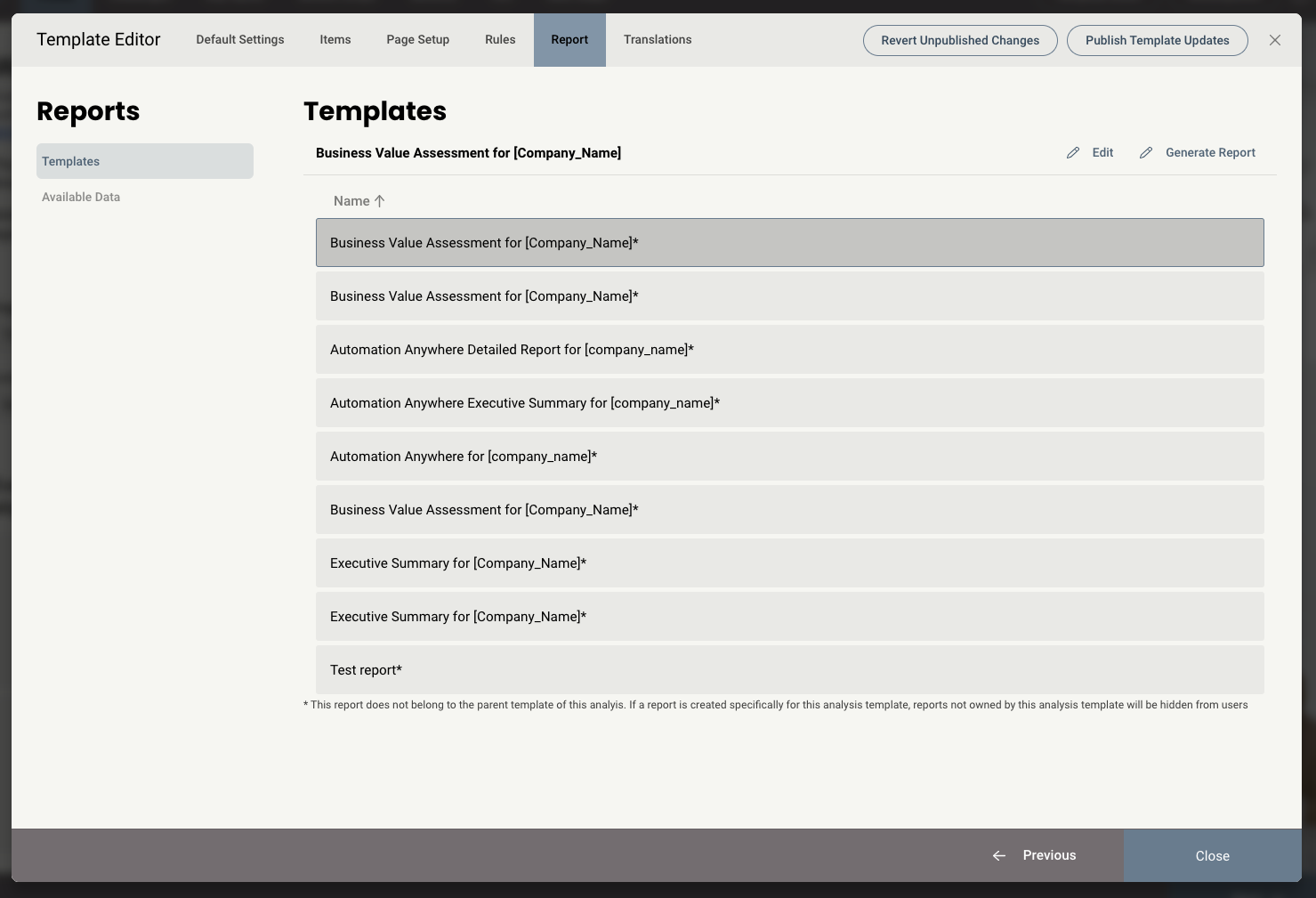
By selecting a report and clicking Edit, you are able to:
- Change the name of the report
- Change the name which appears as an option to a seller when they generate the final report
- Select which languages this report will be available for
- Update the file.
Replies have been locked on this page!