


Report Tag Library
The report tag library is a wizard that allows a user to generate tags that can be implemented inside report templates without having to memorize or search documentation for the tags available inside templates.
Note: You can still access the Report Tag Libraries for Word & Powerpoint to manually update report tags.
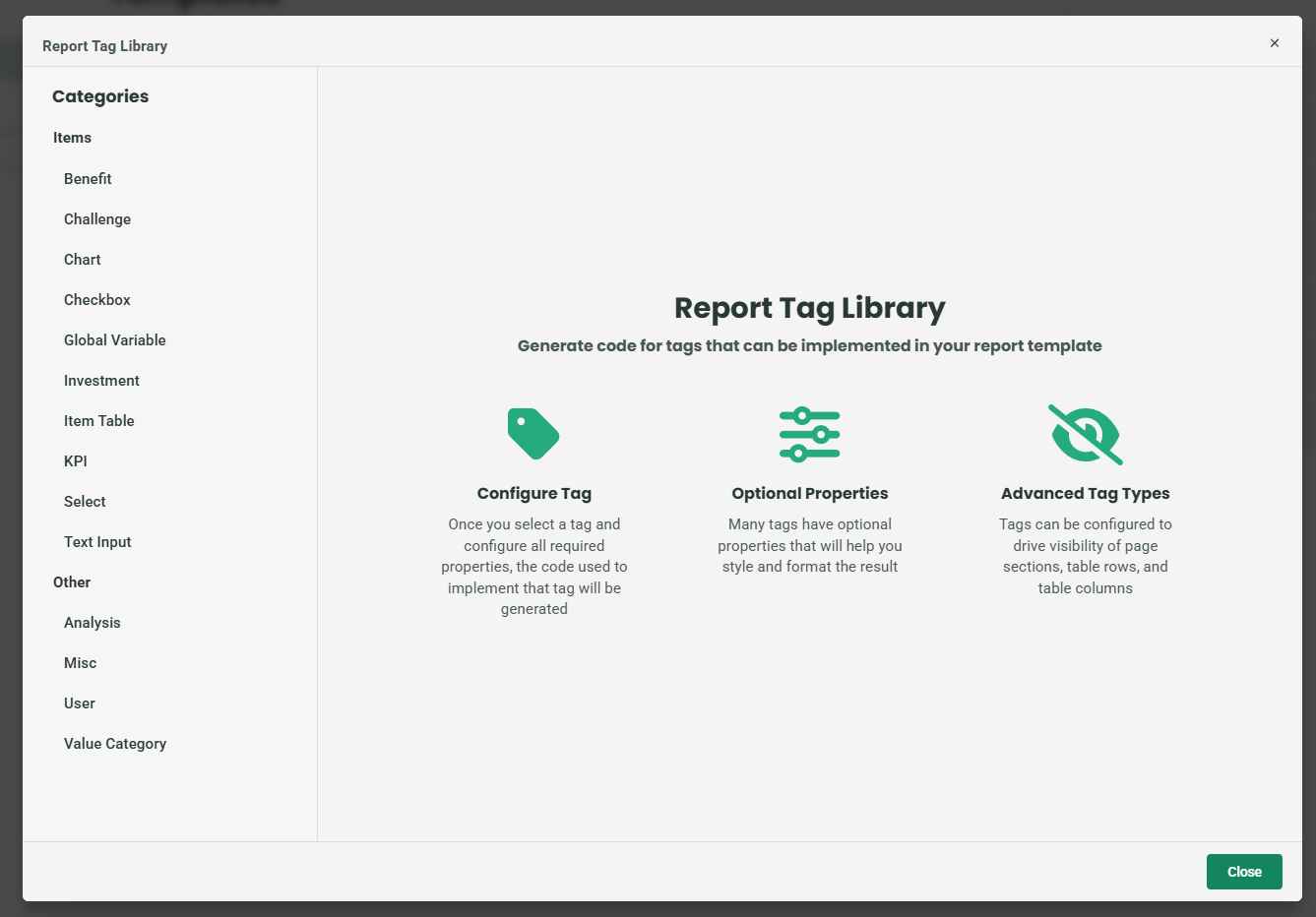
Using the Library
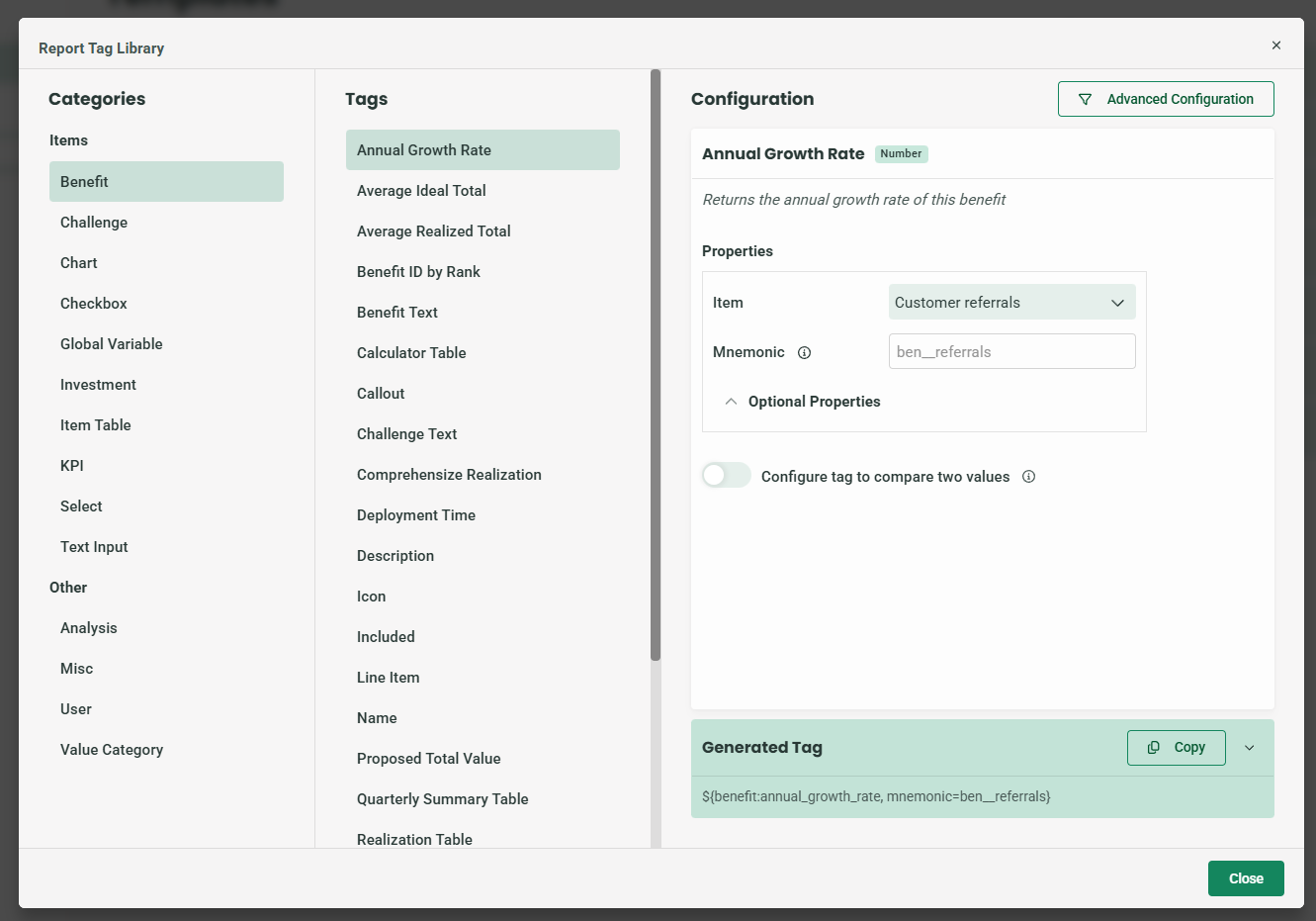
- Selects a tag category and then a tag itself.
- The “Configuration” column presents a description of the selected tag, as well as any configurable properties of that tag. At the bottom of that column, you can find a generated tag(s) that can be copied into your report template.
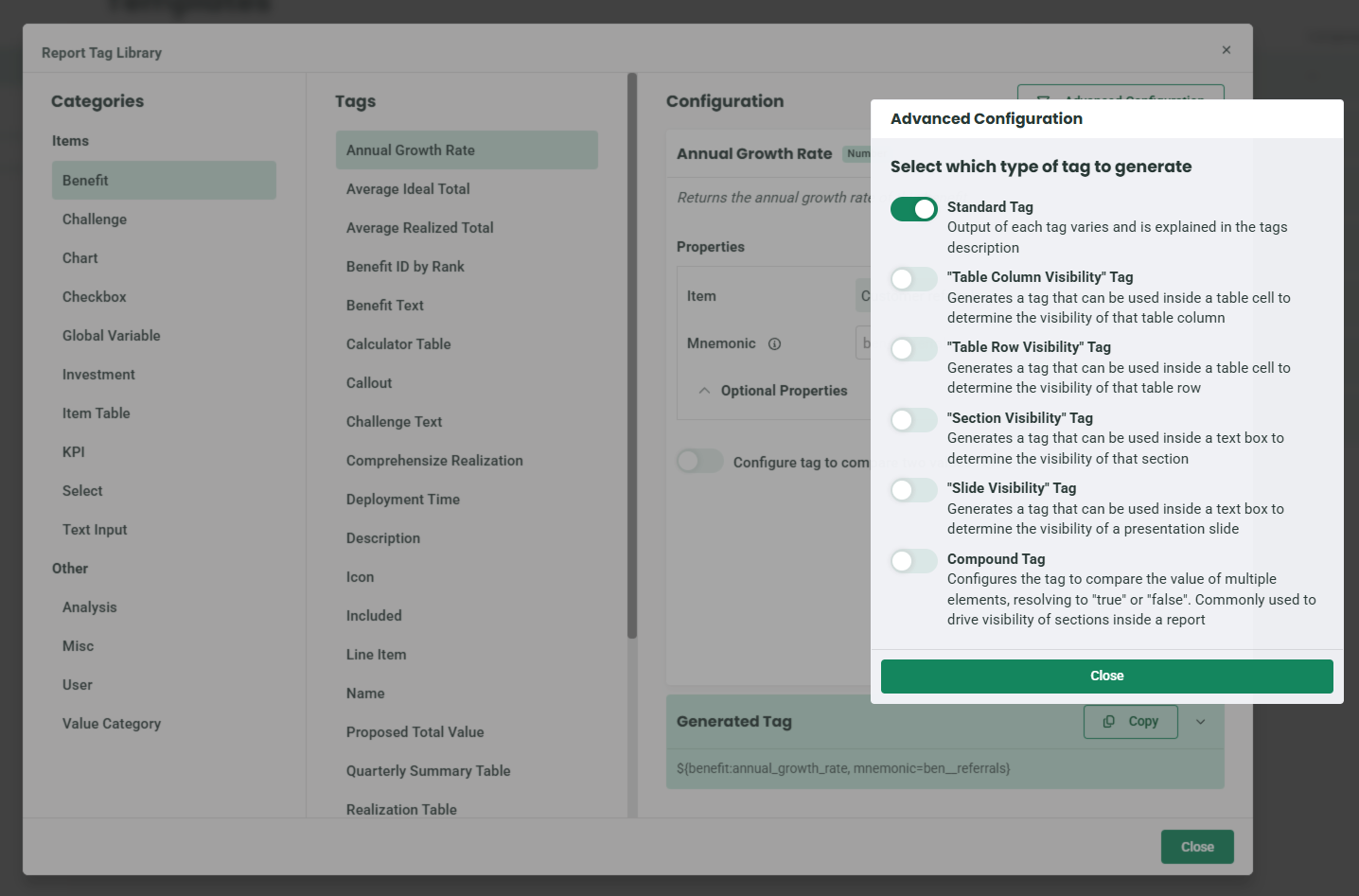
- You can modify tags to be used to drive the visibility of certain parts of a report template. In order to make this change, open the “Advanced Configuration” popover and select one of the available tag types:
Replies have been locked on this page!