

Create a Mediafly Support login through Zendesk for full access to Mediafly Support & Help Center.
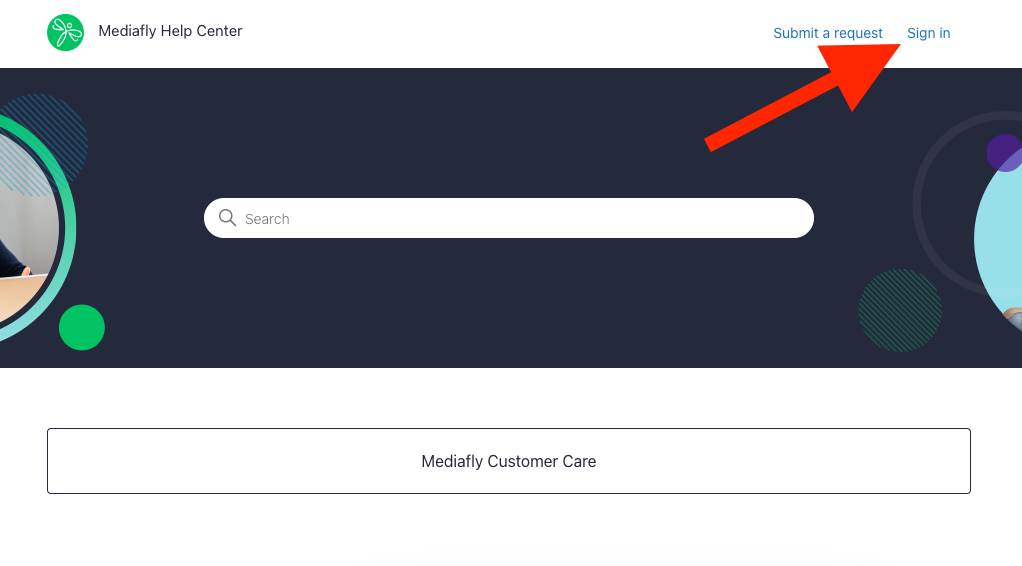
- Go to support.mediafly.com, Click Sign in in the top right corner
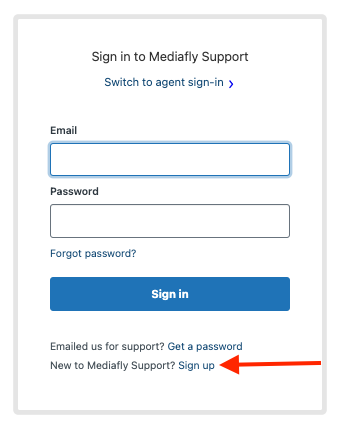
- Click Sign up
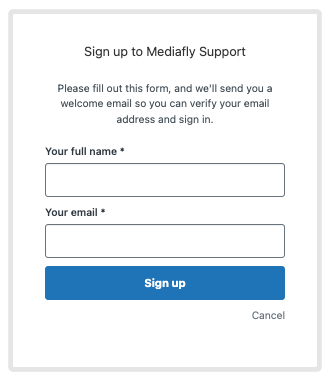
- Enter your full name and email, then click sign up
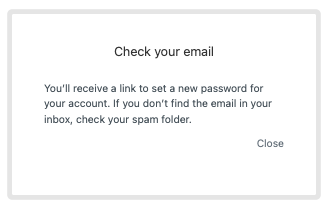
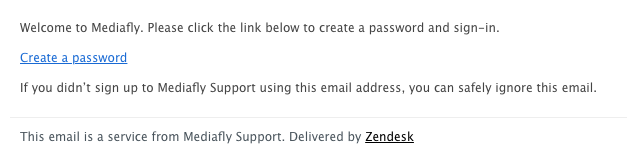
- You'll be prompted to check your email (the email address entered in Step 2)
- Click the Create a password link in the email
-
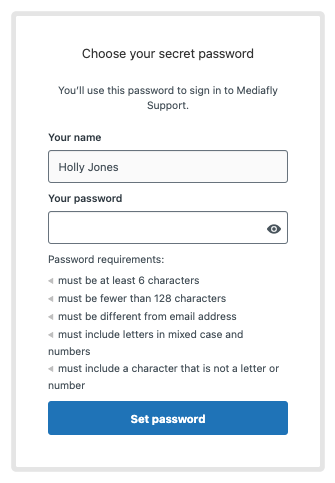
Create a password that fits the requirements, then click Set password
- That's it, welcome to Mediafly Support!